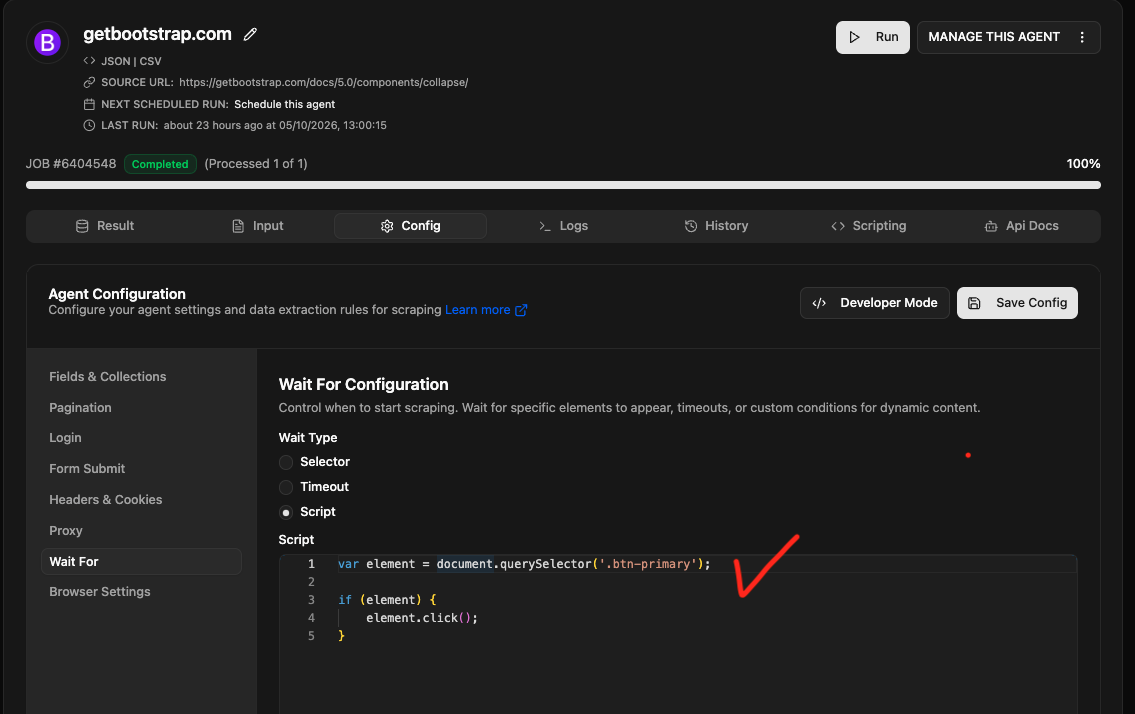
If your scraper misses content inside a collapsed section, click the expand button with JavaScript before extracting the data. In Agenty, add the code to the Script editor under Wait for. It runs after each page render, expanding the content before scraping.
Collapsible elements use HTML, CSS, and JavaScript to keep content compact. Traditional scrapers often parse only the raw HTML, which may not include the hidden content. This is especially common on websites built with new front-end technologies like Angular, Vue, and React, where content may not be loaded in the initial HTML source.
Find the expand button’s selector
Use your web browser’s developer tools to identify the element that triggers expansion and the container holding the hidden content. You’ll need the trigger’s selector for your script.
- Open Chrome DevTools by pressing F12 or opening the Chrome menu and choosing More tools, then Developer tools.
- Identify the expand button and its selector.
- Select Sources, then Snippets.
- Create a new snippet to test your JavaScript.
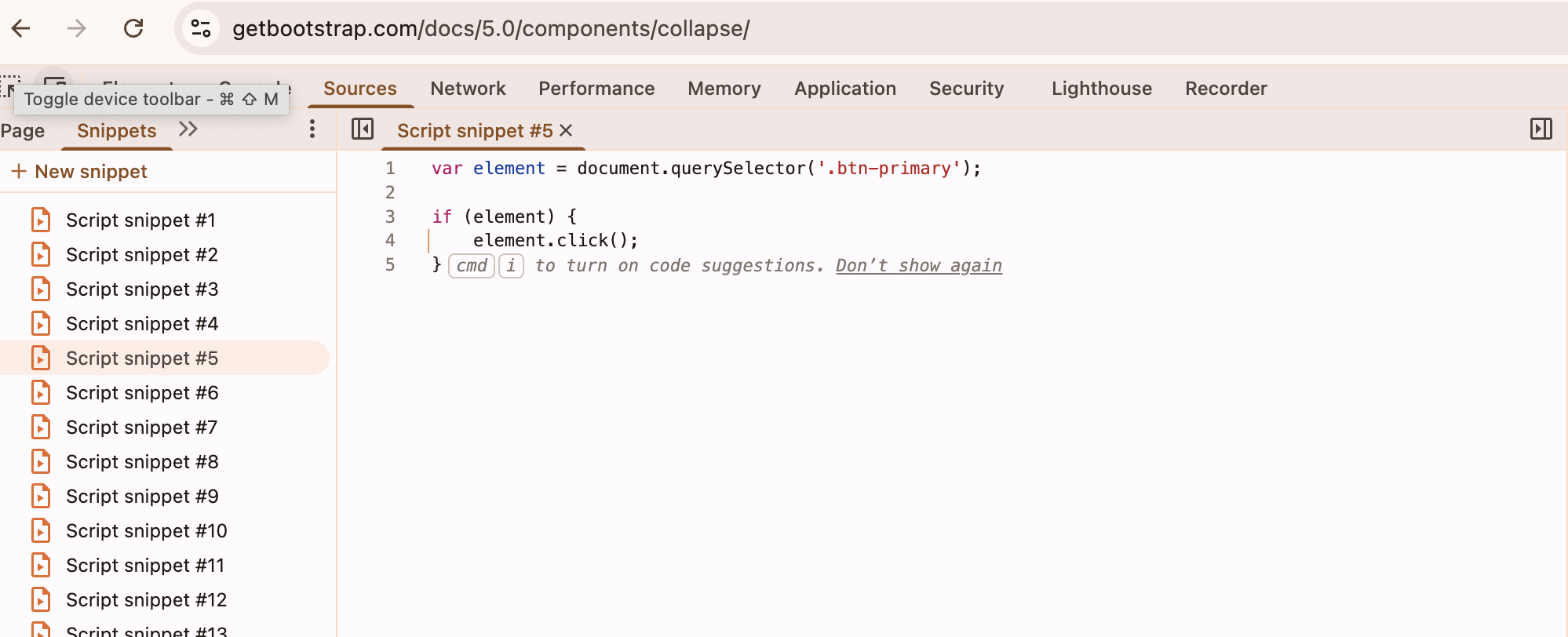
Test a JavaScript click to expand the content
You can usually expand a collapsible section by triggering a click on its button. This example clicks the first element matching .btn-primary, if one exists:
var element = document.querySelector('.btn-primary');

if (element) {
    element.click();
}
Replace .btn-primary with the selector from your target page. Run the snippet and check that the section expands to show the content you want to scrape.
The example uses querySelector, so it clicks only the first matching button. To click all primary buttons, use querySelectorAll and call click() on each match.
Add the script to Agenty’s Wait for settings
Open your agent and add the tested code to the Script editor under Wait for. Agenty runs it automatically after each page render, letting you manipulate the DOM and expand the section before data scraping.