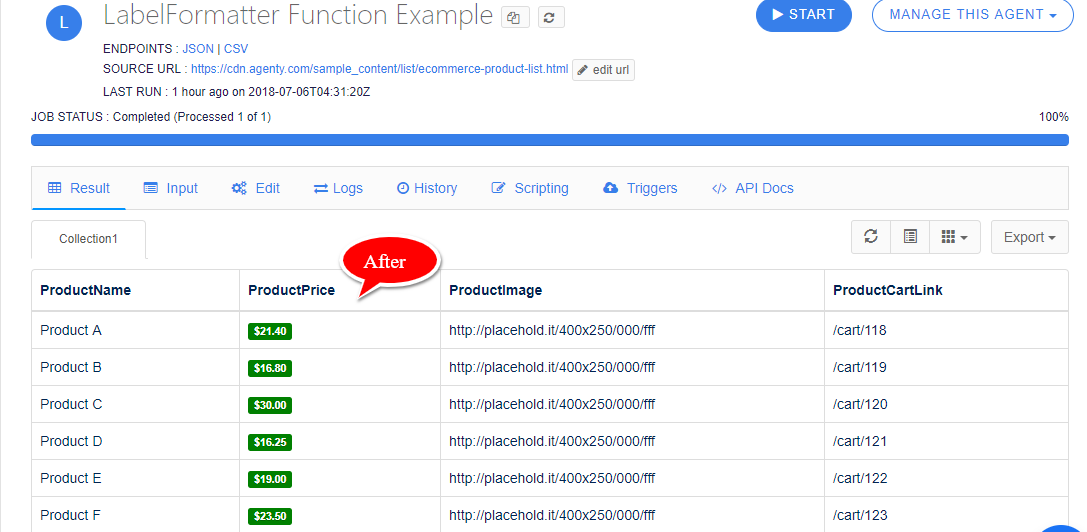
Agenty LabelFormatter is a way to style a field values into colorful labels, this function can be used in existing field as well a new label field can be added. There are 2 ways to use this function, to add style the field value into a colored label in the result table :
- Without parameters
- With parameter
In this tutorial, we are going to try both of these options to see how the LabelFormatter function works :
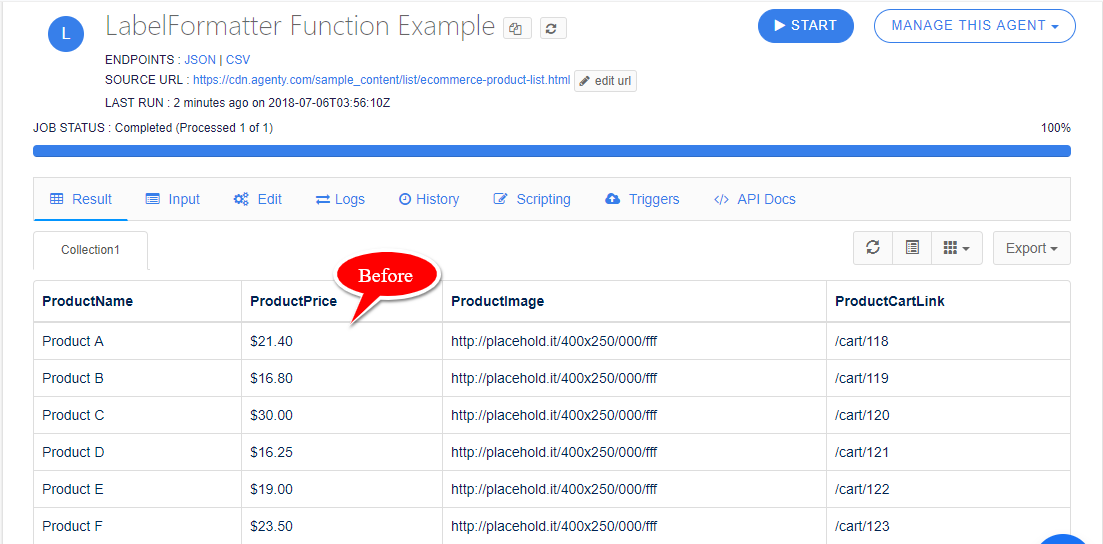
Before
The scraping agent consider all the fields DataType as TEXT by default, so If you see the screenshot below, the ProductPrice field values is all in plain text format :
Without parameters
- Edit the scraping agent by clicking on the
Edittab and go to Fields and Collection section - Go to the ProductPrice field and click on the
Editbutton to edit this field - Now, click on the
Add Formatterbutton as in screenshot below
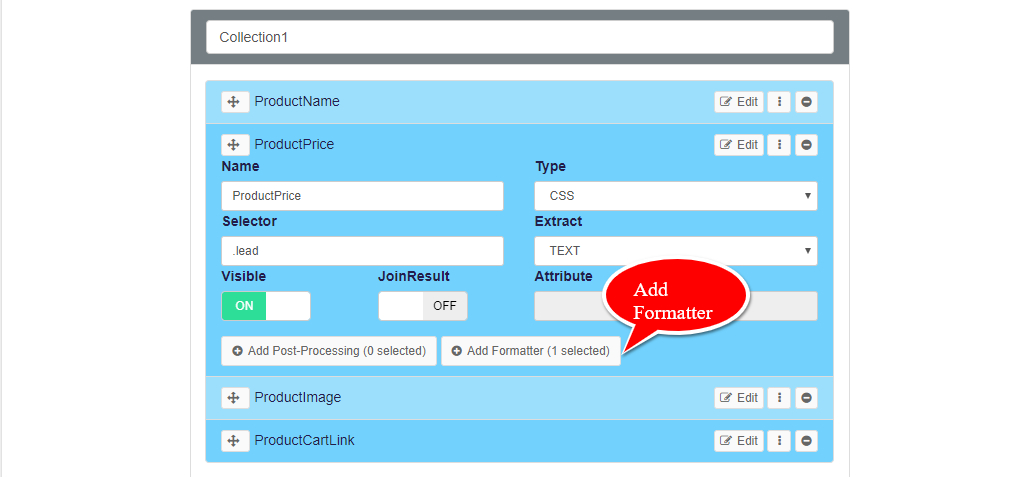
- The below modal dialog box will appear, where we need to select the
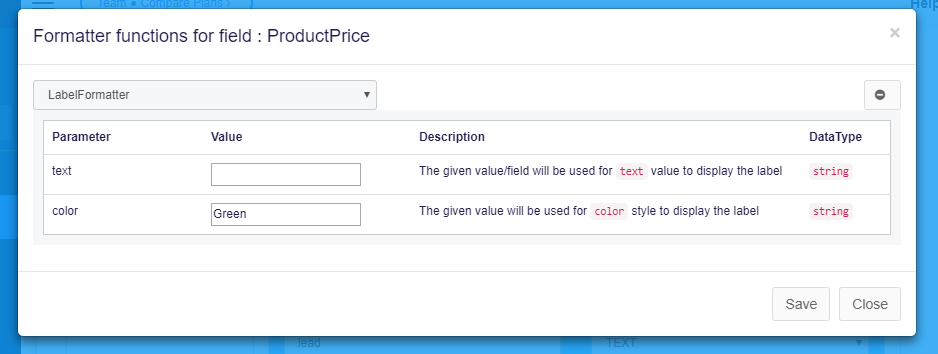
LabelFormatterin drop-down and then leave the parameter as blank(by-default)

-
Savethe function and the scraping agent configuration - Go back to result tab
(Remember : There are no need to re-run the agent to apply the changes we made in formatter, because the field formatter function just display the text in different styles and doesn’t make any change in actual result data_)
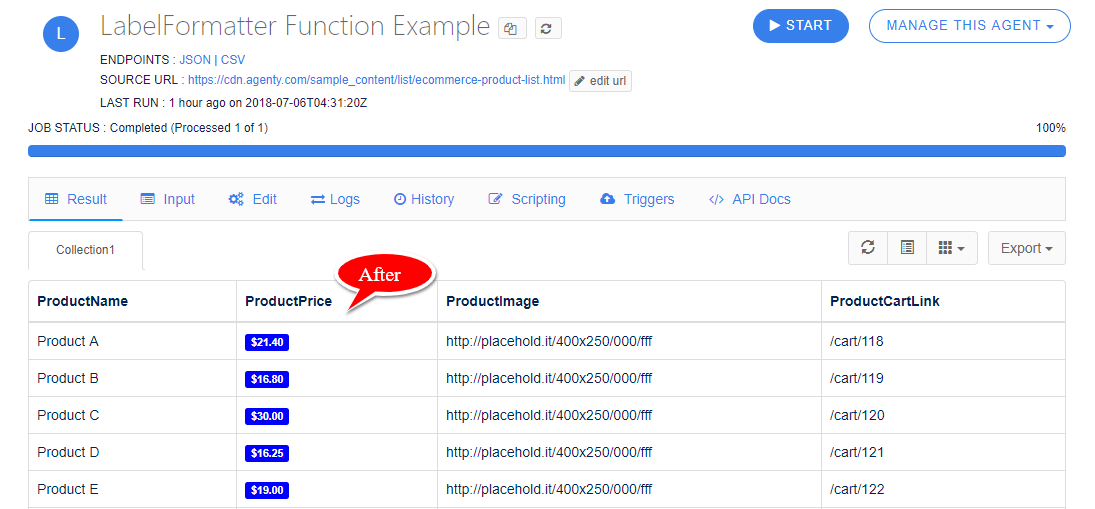
- So, when we use the
LabelFormatterfunction and don’t pass any parameter, the function just convert that field values into label.
With Parameter
By using the color parameter, we can change the color of our label :
-
Just enter any valid
colorname or hexadecimal color code in color parameter as in screenshot below. -
Savethe function and the scraping agent configuration -
Go back to result tab
(Remember : There are no need to re-run the agent to apply the changes we made in formatter, because the formatter function just display the text in different styles and doesn’t make any change in actual result data_)
-
So, when we use the
LabelFormatterfunction with color parameter, the function will style the field value with label with defined color in parameter.