
Apify is a solid platform until your workflow stops matching its model. That usually happens when actor maintenance starts eating engineering time, when finance wants cleaner billing, or when business users need data without learning how a scraper runtime works.
Some teams need AI-native output for RAG pipelines. Some need a no-code builder that an analyst can operate without a developer sitting nearby. Others just need better control over proxies, rendering, and retries on hard targets. The point isn’t that Apify is weak. It’s that web scraping has fragmented into specialist tools, and general-purpose platforms don’t always win in specialist jobs.
That shift is visible in the market. Apify still offers over 2,000 pre-built scrapers called actors, but alternatives have become more specialized across AI crawling, no-code extraction, and proxy-heavy enterprise scraping, according to G2’s Apify alternatives overview. If you’re evaluating platforms in 2026, that’s the key decision. You aren’t just replacing Apify. You’re deciding which part of the stack matters most for your workflow.
Below are the apify alternatives worth serious consideration, with practical trade-offs instead of vendor wishlists.
1. Agenty
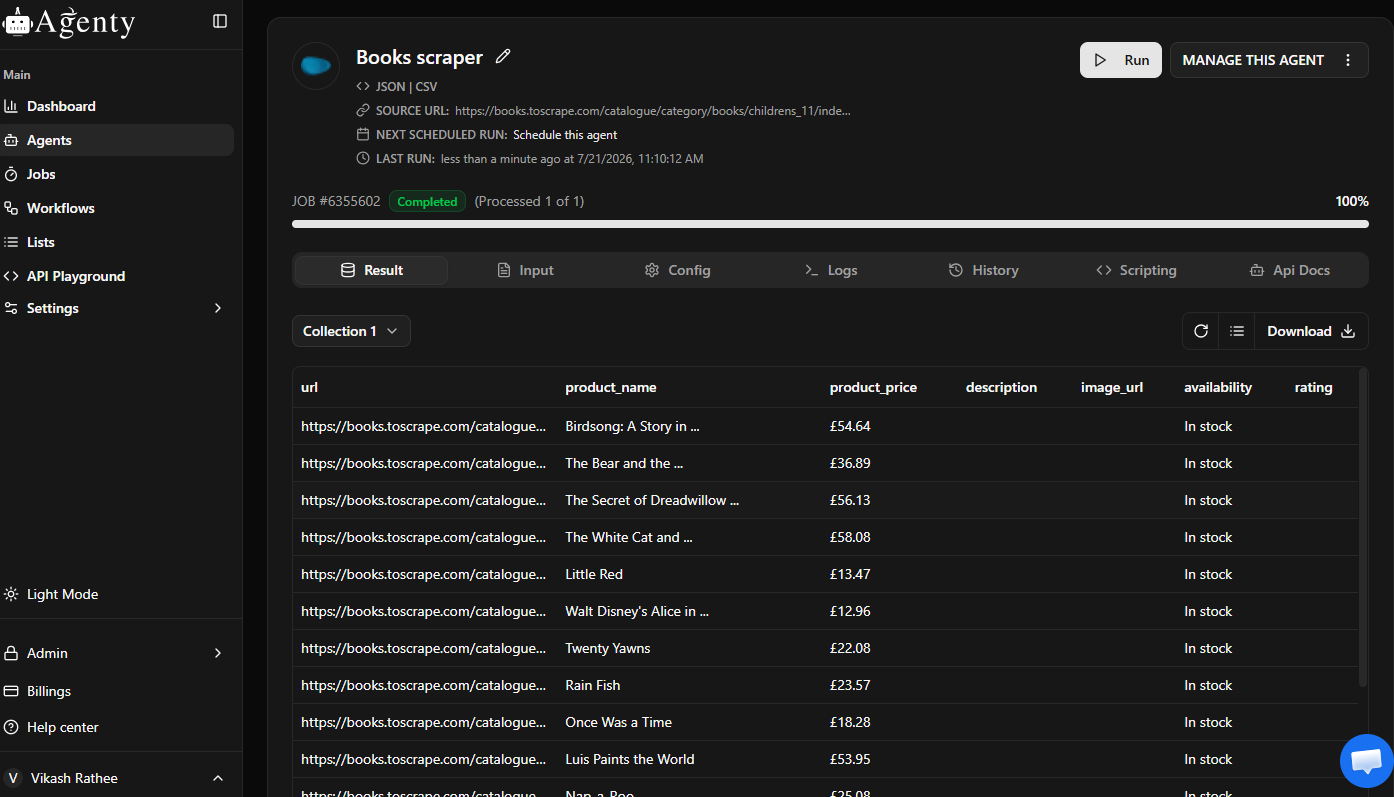
Agenty stands out because it covers the awkward middle ground that many teams find themselves in. Developers get an API-first SaaS platform for scraping, crawling, and change detection, while analysts and operations teams get no-code builders and a Chrome extension. That combination matters when a project starts as an experiment and later turns into a production dependency.
The practical advantage is adaptation. Agenty’s AI-driven agents are built to tolerate layout changes and keep outputs structured, which is exactly where brittle selector-based systems create maintenance drag. For teams feeding downstream BI, enrichment, or LLM pipelines, clean outputs matter more than having a giant marketplace of community scrapers.
A few platform details matter immediately in production. Agenty publishes a 99.9% uptime SLA, supports exports to JSON, CSV, databases, webhooks, and S3, and offers Markdown and HTML outputs that fit AI ingestion workflows. It also provides global proxy coverage with static and residential IPs, run histories, diagnostics, screenshots, and managed onboarding for teams that don’t want to babysit scraper infrastructure.
Why Agenty works well in production
Agenty is strongest when you need one platform to handle collection, scheduling, delivery, and monitoring without forcing every stakeholder into the same interface.
- Adaptive extraction: Agents are designed to keep working when site layouts move around, which reduces routine scraper breakage.
- Flexible outputs: Structured datasets, Markdown, HTML, screenshots, and webhook or S3 delivery make it usable for both analytics and AI workflows.
- Mixed-user workflow: Engineers can integrate through REST, while business users can build agents visually.
- Operational controls: Diagnostics, scheduling, privacy controls, and managed services make it easier to run long-lived jobs.
Practical rule: If your team keeps losing hours to minor selector changes, stop optimizing the scraper script and start optimizing the maintenance model.
Agenty is also easy to trial. You can start with 100 pages of free credit, then scale into managed or enterprise onboarding if the use case proves out. For teams building their first production agent, Agenty’s guide to creating a scraping agent from a website is a useful starting point.
Where Agenty isn’t perfect
The main trade-off is pricing transparency at higher scale. Public materials don’t lay out every enterprise pricing detail, so large-volume buyers will likely need a sales conversation. That’s common in enterprise scraping, but it does mean you should model your expected workload before committing.
The other reality is that no platform removes compliance responsibility. Agenty gives you infrastructure, proxies, and anti-detection support, but your team still has to decide what targets are appropriate, how often to crawl, and how data should be retained.
You can explore the platform directly at Agenty.
2. Zyte
Zyte is a strong fit when you want enterprise-grade scraping without assembling your own browser, proxy, and retry stack. It comes from the Scrapinghub lineage, and that heritage shows in how it approaches reliability. Instead of asking you to wire together too many moving parts, Zyte packages rendering, extraction, and anti-blocking into a managed service.
What makes Zyte attractive versus Apify is the reduced operational burden. Its API can handle browser rendering when needed, and its automatic extraction models target common page types like products, articles, and jobs. That shortens the path from URL to usable data, especially for teams that don’t want to maintain a fleet of page-specific parsers.
Best use case for Zyte
Zyte makes the most sense when your bottleneck is reliability, not interface design. If your team already knows how to work with APIs and wants fewer bans, fewer retries, and less renderer babysitting, it’s a good option.
- Managed rendering: Useful for JavaScript-heavy pages that aren’t worth handling manually.
- Automatic extraction: Helpful when you’re working with common schemas and don’t need bespoke parsing first.
- Proxy stack included: Better than buying separate components and hoping they behave well together.
- Trial-friendly: Zyte offers free credit to test the API before a full rollout.
The trade-off is cost modeling. Zyte’s pricing depends on site complexity, which can be reasonable when your target set is stable but less predictable when you’re scraping a mixed portfolio of easy and difficult domains. Teams that want a flat mental model for budgeting may find that less comfortable.
Zyte is rarely the cheapest choice, but it often saves enough engineering time to justify itself.
If you need a mature enterprise vendor with strong anti-blocking and a long history in scraping infrastructure, start with Zyte.
3. Bright Data
A common Bright Data scenario looks like this. The same Playwright script works in a local test, then fails once you add country targeting, higher concurrency, and sites that actively defend against scraping. Bright Data is built for that stage of the job.
Its value is less about having another scraper API and more about controlling hard collection conditions. Teams use it when regional routing changes the page, when session quality affects extraction success, or when proxy selection is part of the engineering work instead of an afterthought. That makes it a stronger fit for retail intelligence, ad verification, travel aggregation, and search monitoring than for simple scrape-to-JSON tasks.
Where Bright Data fits best
Bright Data tends to make sense when the hard part is access, not parsing. If your developers already have Playwright or Puppeteer flows and need a provider that can supply proxies, browser tooling, and unblocking options in the same stack, it can reduce a lot of integration work.
A few practical strengths stand out:
- Geo-targeted collection: Useful when product catalogs, prices, or SERP layouts change by country, city, or ASN.
- Proxy-heavy workflows: Better suited to teams that need to tune routing strategy instead of accepting a fixed abstraction layer.
- Browser automation support: Works well alongside custom scripts, which matters if you want to test against a sandbox site before rolling into production targets.
- Enterprise controls: Helpful for procurement, permissions, and larger scraping programs that need governance, not just raw requests.
For developers, that means Bright Data often complements code you already own rather than replacing it. For business buyers, it means the platform is strongest when scraping reliability has direct revenue impact. Price monitoring is the obvious example, but compliance monitoring and market intelligence can justify the spend too.
If you need a refresher on the infrastructure side, Agenty’s guide to anonymous web scraping with proxy servers explains the operational trade-offs clearly.
The trade-off is complexity and cost. Bright Data is rarely the tool I would hand to a small team that just wants a few scheduled jobs and a clean dataset export. It asks for more setup discipline, and hard targets can get expensive fast if your retry logic, session handling, or extraction strategy is loose.
For proxy-centric scraping programs with difficult targets, Bright Data is one of the more capable Apify alternatives.
4. Oxylabs
A common Oxylabs use case starts the same way. A team already has Playwright or Puppeteer scripts working on a sandbox target, then runs into the fundamental problem in production: regional catalog differences, anti-bot checks, JavaScript-heavy pages, and request volume that breaks cheap proxy setups. Oxylabs is built for that stage.
Compared with Apify, Oxylabs usually makes more sense for teams that already know how they want to extract data and need infrastructure that holds up under pressure. The platform combines proxy networks with scraper APIs, which is useful if your workflow spans simple HTTP collection, rendered pages, and location-sensitive results. That mix is especially relevant for e-commerce, marketplace monitoring, and search result collection.
Why engineers choose Oxylabs
The practical appeal is control without having to assemble every layer yourself. Developers can keep existing browser automation code and add managed proxies or a scraping API where targets get harder. Business teams get a vendor that is easier to put through procurement than stitching together several smaller tools.
A few cases where Oxylabs tends to fit well:
- Retail and marketplace tracking: Good for product pages, seller listings, stock status, and price monitoring across countries.
- Rendered page collection: Useful when content appears only after client-side JavaScript runs.
- Geo-specific extraction: Strong fit for search, travel, retail, and ad monitoring workflows where location changes the result set.
- Scaled operations: Better suited to teams that expect procurement review, support requirements, and sustained collection volume.
For developers, the key trade-off is that Oxylabs is infrastructure-first. You still need to define selectors, retries, session behavior, validation, and output handling in a disciplined way. If you are testing a Playwright flow on a live sandbox site before pushing it into production, that is often a benefit. You keep your own logic instead of rebuilding around a marketplace of prebuilt actors.
For business buyers, the trade-off is simpler. Oxylabs is easier to justify when the data has direct operating value. Pricing intelligence, assortment monitoring, and competitive search tracking fit that model. Smaller teams scraping a limited set of stable pages can end up paying for capacity they will not use.
For proxy-backed scraping programs that already have technical ownership in-house, Oxylabs is a credible Apify alternative.
5. ScraperAPI
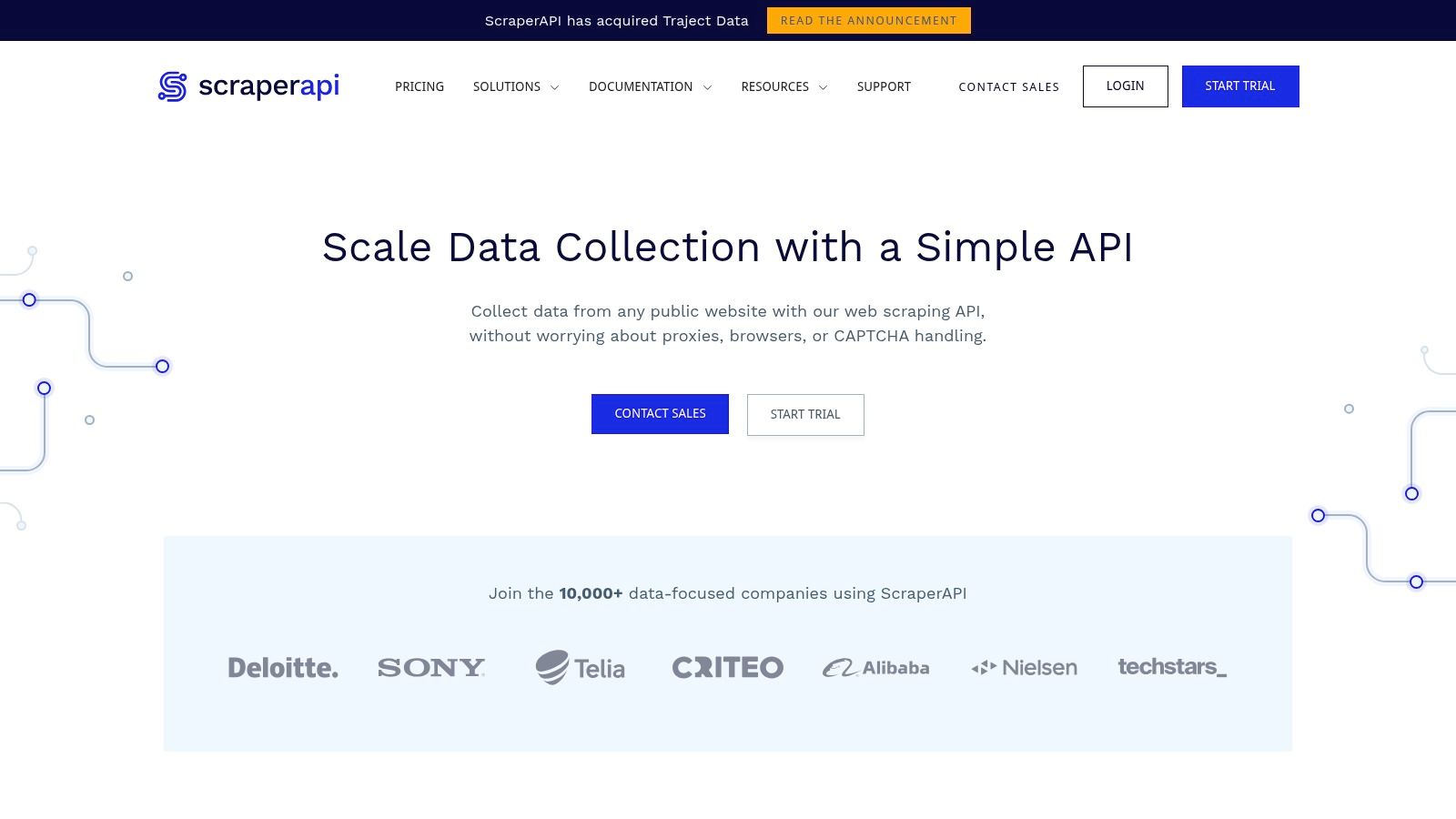
A common situation looks like this. The extraction logic in Python, Node, or a small Playwright script, but the proxy layer keeps eating time. ScraperAPI fits that workflow well because it strips the infrastructure decision down to a single API call. You send the target URL, and it handles proxy rotation, retries, CAPTCHA solving, and optional JavaScript rendering.
That operating model is the main reason teams choose it over Apify. You do not need to adopt an actor marketplace, schedule jobs inside another platform, or redesign a scraper around someone else’s execution model. For engineering teams with their own codebase and deployment path, that matters more than a long feature list.
Where ScraperAPI fits best
ScraperAPI is a good match when the job is straightforward in code, but annoying in production.
- Fast API integration: Easy to plug into existing request pipelines, ETL jobs, and lightweight scraping services.
- Managed request handling: Retries, proxy rotation, and CAPTCHA support are already built in.
- Optional rendering: Useful for pages that need JavaScript execution but do not justify a full browser stack on your side.
- Clearer handoff to engineering: A backend team can test requests quickly and move to production without learning a new platform model.
For developers, the trade-off is control. ScraperAPI reduces operational work, but it also abstracts away part of the request strategy. If you are debugging a flaky Playwright or Puppeteer flow against a live sandbox site, that simplicity can be either a benefit or a constraint. It is faster to get a request out the door, but harder to fine-tune browser behavior than with a tool built around deeper rendering controls.
For business buyers, the decision usually comes down to workflow shape. ScraperAPI works best when your team already owns extraction logic and only needs reliable delivery infrastructure. It is less compelling if the business wants prebuilt scraping workflows, marketplace-style templates, or analyst-friendly tooling outside engineering.
If your team wants direct API access with less infrastructure to maintain, ScraperAPI is a practical Apify alternative.
6. ScrapingBee
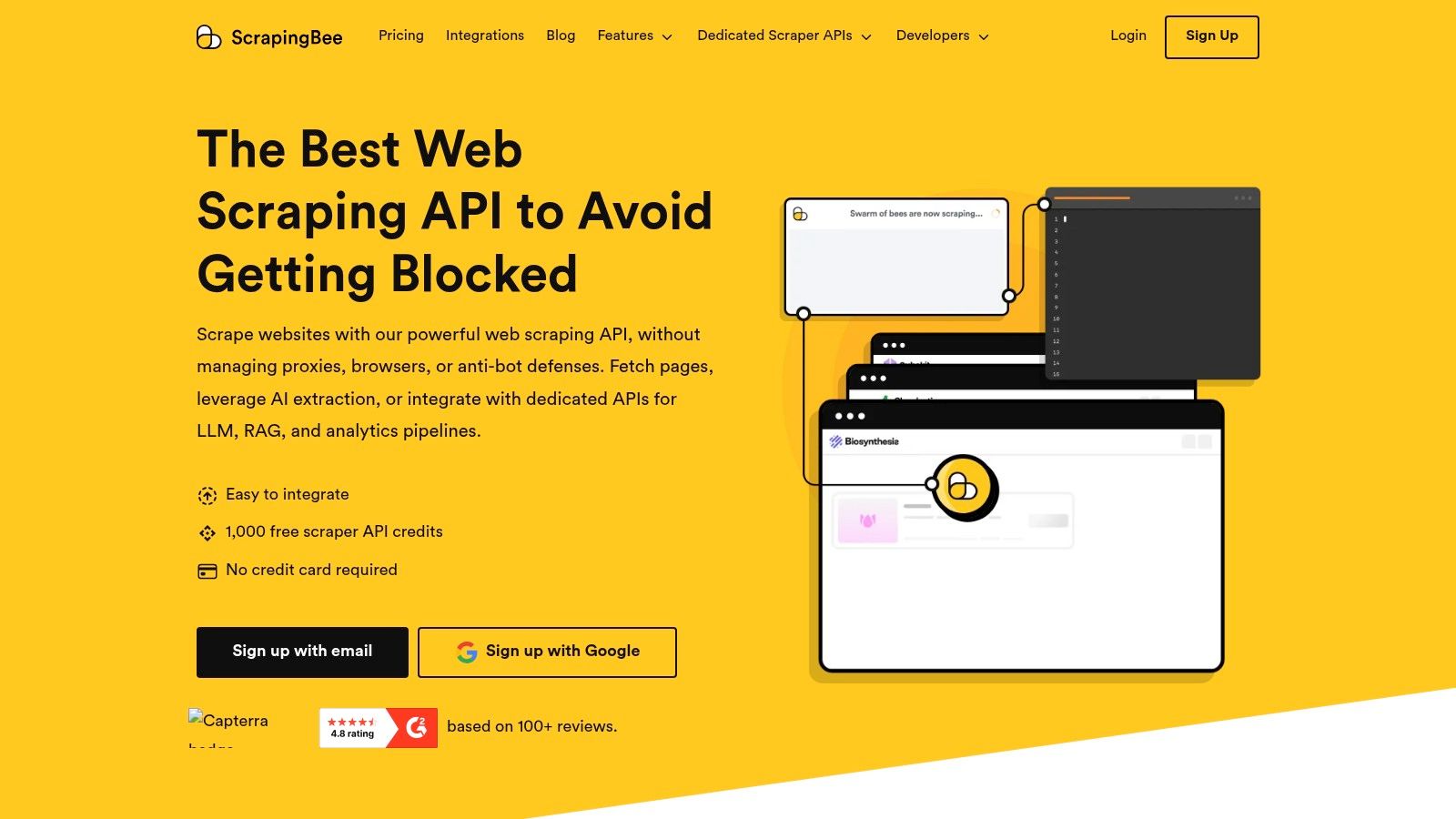
ScrapingBee is one of the cleaner developer-focused options in this space. It handles headless rendering, proxy rotation, and request tuning, but still gives you enough knobs to manage how a page is rendered. That’s valuable when you’re scraping JavaScript-heavy targets and need to control wait behavior instead of hoping the default is correct.
The tool is especially good for monitoring workflows where page state matters. If your target loads content after user interaction or late-stage JavaScript execution, ScrapingBee gives you more practical control than some one-shot scraping APIs.
What ScrapingBee gets right
ScrapingBee tends to work best for developers who need rendering with less infrastructure and more explicit tuning.
- Render controls: You can be more deliberate about wait conditions and execution timing.
- Proxy options: Standard proxy mode plus stronger options for tougher sites.
- Ad blocking and tuning: Useful when you want faster, cleaner page execution.
- Test credits: It offers 1,000 free credits to validate the workflow before switching production traffic.
On JavaScript-heavy sites, rendering control often matters more than raw request volume. A bad wait strategy can ruin extraction quality even when the request succeeds.
The trade-off is that some targets or features consume credits differently, and advanced proxy usage may push you into higher plans. ScrapingBee is efficient when used carefully, but teams should still validate the cost of their specific target mix.
For code-first scraping with strong rendering ergonomics, look at ScrapingBee.
7. Octoparse
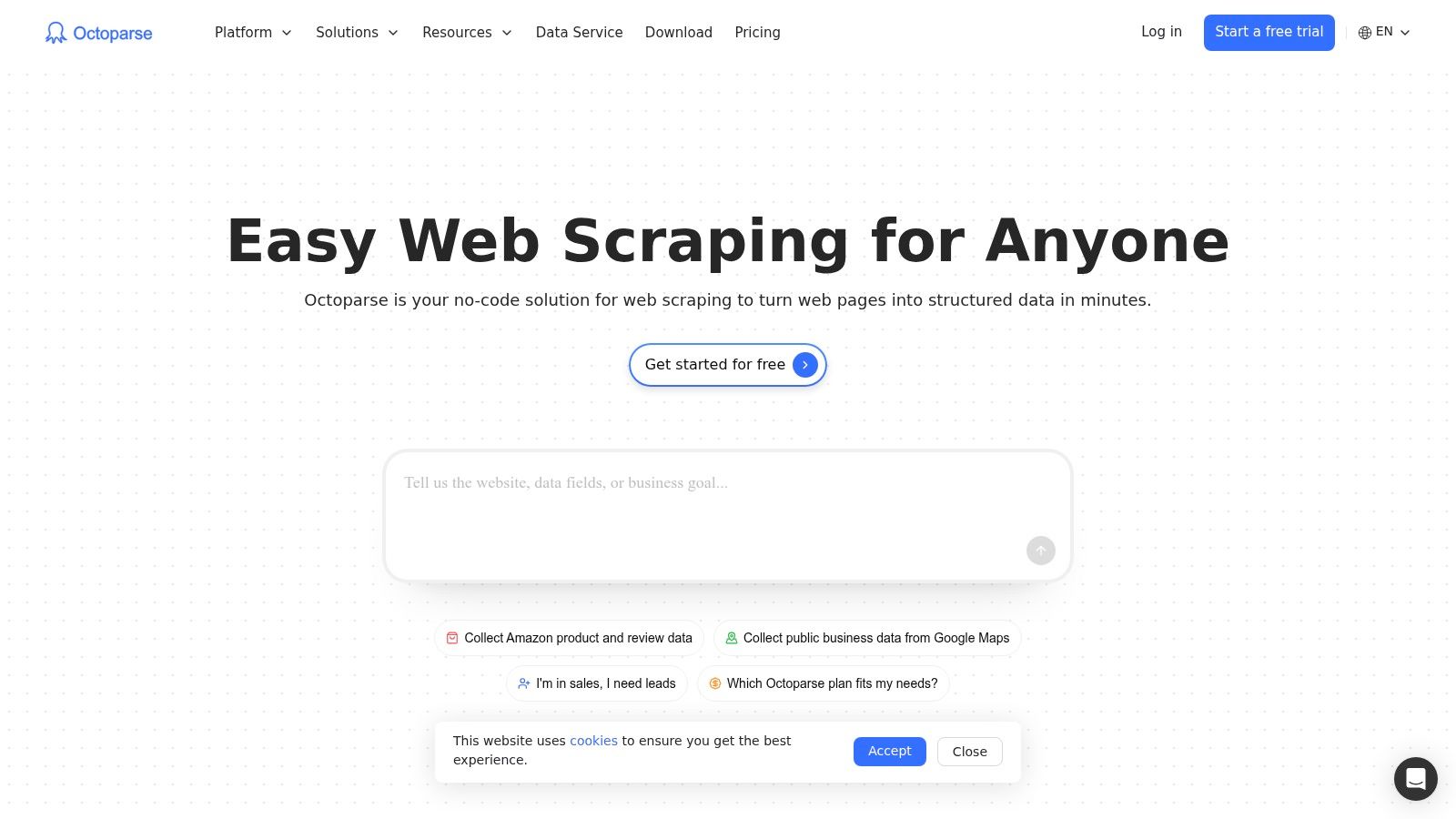
A common scraping handoff looks like this. An analyst needs product or marketplace data every morning, the engineering team does not want to own another brittle browser script, and the workflow still needs scheduling, exports, and basic maintenance. Octoparse fits that situation better than most tools in this list.
Its value is not raw flexibility. It is speed to a usable workflow for non-developers. The visual builder covers the mechanics that usually slow business teams down, such as pagination, click flows, form input, table extraction, and scheduled cloud runs. For reporting, competitor monitoring, lead research, and catalog tracking, that can be enough to get a project into production without writing Playwright or Puppeteer.
Who should use Octoparse
Octoparse works best for teams where the operator is an analyst, researcher, operations lead, or growth manager rather than a developer. If the job is repetitive and the target site is only moderately complex, the no-code approach saves time.
- Visual builder: Good for users who need to capture data without maintaining scripts.
- Prebuilt templates: Helpful for getting to first results faster on common targets.
- Cloud scheduling: Useful for recurring jobs that should run without a local machine.
- Collaboration features: Better suited to shared business workflows on higher tiers.
The trade-off is clear. Octoparse is strong for structured, repeatable extraction, but harder targets still expose the limits of no-code systems. Sites with aggressive anti-bot defenses, multi-step session handling, or custom rendering quirks usually require external proxies, extra tuning, or a code-first fallback.
That distinction matters in practice. If your team wants a tool that business users can operate directly, Octoparse is one of the better Apify alternatives. If your workflow depends on custom browser logic on a live sandbox site, developer tools built around Playwright or Puppeteer will give you more control.
8. ParseHub
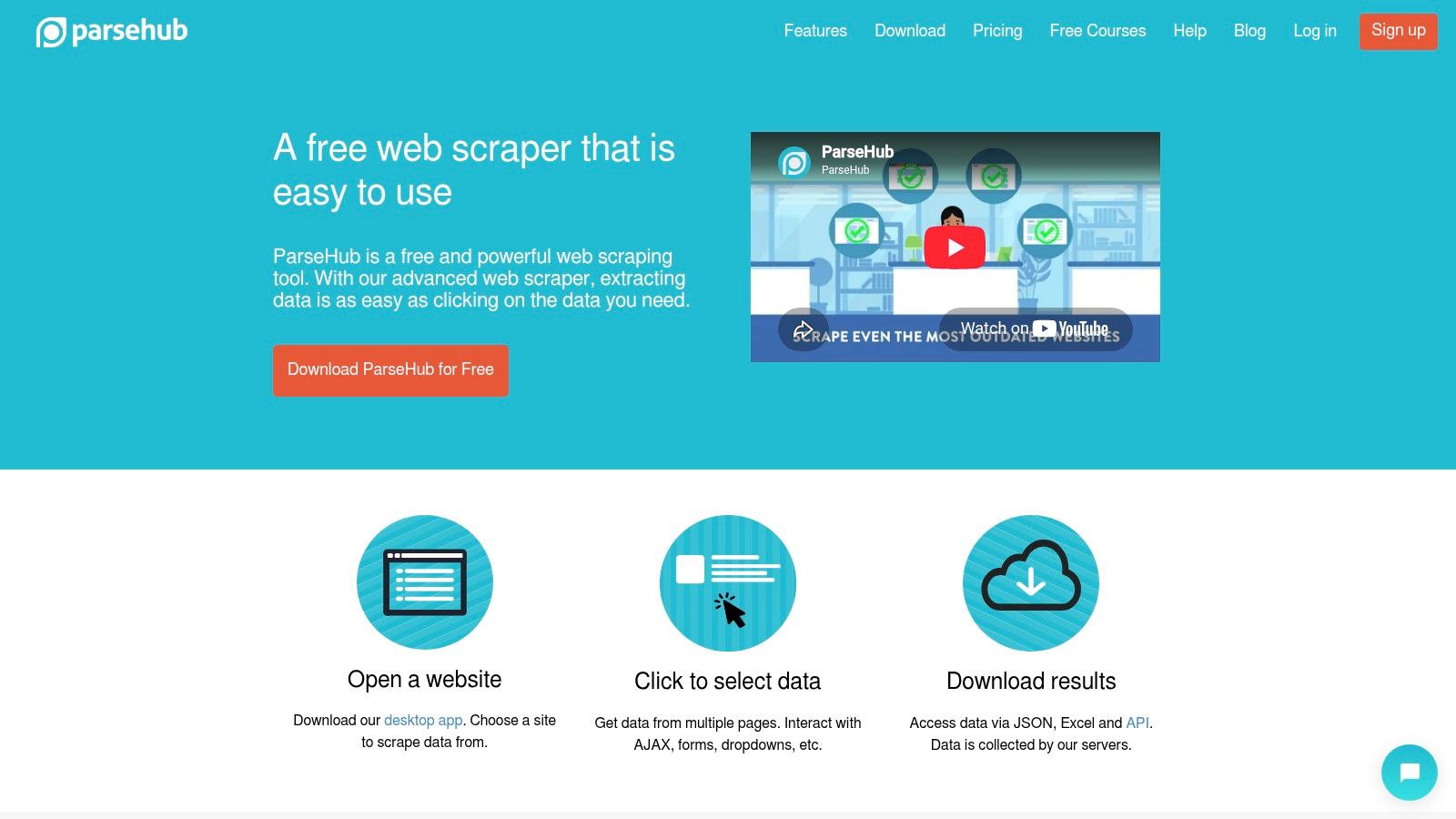
ParseHub has been around long enough that most scraping practitioners have at least tested it once. It remains a practical option for teams that want cloud-backed no-code extraction and repeatable scheduled jobs without writing and maintaining scripts.
Its strength is accessibility. You point at the page, define what to capture, and let the platform handle recurring runs. For AJAX and JavaScript-heavy pages, that’s more approachable than a browser automation framework, especially for small analytics teams.
Where ParseHub fits well
ParseHub is useful for recurring extraction into dashboards, trackers, and internal reports where the page structure is moderately dynamic but not aggressively protected.
- Cloud jobs: Better than extension-only tools when reliability matters.
- Scheduled runs: Useful for monitoring and recurring reports.
- Easy learning curve: New users usually become productive quickly.
- Solid documentation: Helpful if the team doesn’t have a dedicated scraping engineer.
The caveat is scale. Project limits and speed constraints can become noticeable as needs grow, and advanced proxy features are reserved for paid tiers. Once a workflow becomes business-critical, some teams outgrow it and move to an API-first platform.
If you want approachable cloud scraping without code, ParseHub is still worth considering.
9. Web Scraper (webscraper. io)
Web Scraper takes a different approach from most other Apify alternatives. Instead of centering the experience around APIs or AI extraction, it leans on a sitemap model. That’s a good fit for structured sites where navigation follows a predictable pattern and the scrape can be described clearly through links, selectors, and page relationships.
That mental model is underrated. For straightforward category trees, listing pages, and recurring monitoring jobs, a sitemap-based crawling system can be easier to reason about than an actor marketplace or a full browser automation script.
Why the sitemap model can be enough
If the site is orderly, Web Scraper can be pleasantly simple. The browser extension gets you started fast, and the cloud service adds automation and monitoring for recurring jobs.
- Extension plus cloud: Easy entry point, then scalable scheduling later.
- Clear workload model: URL-credit pricing can be easier to discuss internally than more abstract compute billing.
- Good for structured navigation: Especially useful on sites with consistent hierarchy.
- Monitoring built in: Handy for recurring collection tasks.
Where it struggles is the same place many lightweight tools struggle. It doesn’t bring the same anti-bot muscle as proxy-heavy vendors, so hard targets may need external support. That’s the line between lightweight automation and full scraping infrastructure.
For structured websites and recurring sitemap-driven jobs, Web Scraper .io is a sensible choice.
10. Diffbot
Diffbot is built for teams that care more about structured output quality than about custom scraper logic. Its core promise is simple. Give it a page type it understands, and it returns schema-like structured data without you writing extraction rules for every field.
That makes it useful for enterprise analytics, knowledge graphs, research systems, and ML pipelines where consistency is more important than raw flexibility. Product, article, and organization extraction are the obvious fits, and Crawlbot helps scale that across sites.
Diffbot’s trade-off
Diffbot is powerful when the data you want matches its extraction models. In those cases, it can remove a lot of parsing work from the pipeline.
- Automatic extraction APIs: Useful for common page classes where schema quality matters.
- Crawlbot support: Good for seed-based discovery and site-wide processing.
- Enterprise data workflows: Especially strong when the end goal is analytics or knowledge representation.
- ML-friendly output: Structured responses can reduce cleanup work downstream.
Agenty’s overview of web scraping with AI is a helpful companion if you’re evaluating how much extraction logic you want a model-driven platform to absorb.
The downside is budget and scope. Diffbot is usually a professional or enterprise buy, and if your use case falls outside its built-in extraction patterns, setup becomes less magical. It’s a strong specialist, not a universal scraper.
For high-quality structured extraction, Diffbot is one of the most distinct options in this category.
The Right Tool for Your Data Strategy
The best Apify alternative depends less on feature counts and more on failure modes. That’s the question many teams skip. They compare dashboards and pricing pages, then discover later that the primary issue was maintenance, blocked sessions, unpredictable billing, or a mismatch between who needs to operate the tool and who can.
If you have developers and want an API-first platform that still works for business users, Agenty is compelling because it bridges both worlds well. If the problem is hard targets and geo-sensitive collection, Bright Data and Oxylabs are better fits because proxy infrastructure is the product, not a side feature. If the goal is no-code extraction for analysts, Octoparse and ParseHub are easier starting points. If you need structured AI-friendly output, Diffbot and AI-native scraping platforms deserve more attention than traditional marketplace tools.
That last point matters more than many teams realize. Coverage of apify alternatives has historically focused on proxy networks, actor marketplaces, and visual scraping, while AI-native URL-to-Markdown and structured JSON workflows have been underserved. One review of that gap argues that newer demand is increasingly centered on LLM training pipelines and RAG ingestion rather than classic BI dashboards, in this discussion of AI-native scraping alternatives. If your end use is a model pipeline, “clean output first” should influence the choice more than actor count.
Cost modeling also needs a harder look than most comparison pages give it. Developer discussion in late 2025 and early 2026 showed a rise in questions around Apify credit burn and failed actor runs, and one market review notes that compute-based billing can become significantly more expensive than flat-rate APIs on retry-heavy, JavaScript-heavy targets in this analysis of pricing confusion in Apify alternatives. The takeaway isn’t that one pricing model is always better. It’s that you should test the exact workload you plan to run.
For teams building their own automation layer, Playwright and Puppeteer still matter, but use them realistically. A dedicated environment like Scraping Sandbox is useful for validating pagination, infinite scroll, and dynamic DOM behavior before you aim code at real sites. Here’s a basic Playwright example against the sandbox:
const { chromium } = require('playwright');

(async () => {
  const browser = await chromium.launch({ headless: true });
  const page = await browser.newPage();

  await page.goto('https://scrapingsandbox.com', { waitUntil: 'networkidle' });

  const title = await page.title();
  const links = await page.locator('a').allTextContents();

  console.log({ title, links });

  await browser.close();
})();
And the same idea with Puppeteer:
const puppeteer = require('puppeteer');

(async () => {
  const browser = await puppeteer.launch({ headless: true });
  const page = await browser.newPage();

  await page.goto('https://scrapingsandbox.com', { waitUntil: 'networkidle2' });

  const data = await page.evaluate(() => {
    return {
      title: document.title,
      links: Array.from(document.querySelectorAll('a')).map(a => a.textContent.trim())
    };
  });

  console.log(data);

  await browser.close();
})();
Those snippets are useful for prototyping selectors and page flow, but production scraping usually needs more. Remote browser sessions are one answer when login flows and human-like browser presence matter. One industry walkthrough argues that cloud-based remote browsers help AI agents avoid local environment issues and appear more legitimate to target sites, reducing the bot-detection problems that block many conventional attempts in this remote browser demonstration.
Choose the tool that matches your actual operating model. If the data is headed into a warehouse, think about extraction stability. The right platform isn’t the one with the longest feature page. It’s the one your team can run reliably six months from now.