
You write a scraper against a live store, get through one category, and then the site starts returning empty pages, login prompts, or 429s. A small DOM change breaks your selectors. JavaScript hydration pushes the data you need past your original request. That failure pattern is common because scraping rarely breaks on parsing alone. It breaks at the edges, where timing, state, and defensive controls show up.
Web scraping practice sites give you a legal place to build those instincts before you point code at production targets. They let you test pagination, session handling, rendering, retries, and extraction logic in a controlled environment. That matters for more than safety. It shortens the debug loop. When a sandbox is stable, you can isolate whether the bug is in your selectors, crawler flow, waiting strategy, or data model instead of guessing which part of the public web just changed.
Reframe these sites as controlled test fixtures for scraper engineering. If a crawler cannot consistently traverse a practice sandbox with predictable structure, it will struggle even more on a retail site with client-side rendering, shifting layouts, and anti-bot checks.
That distinction matters once you move from tutorials to real pipelines.
The broader market supports that shift. The global web scraper software market is projected to reach $3.49 billion by 2035, with a projected 17.79% CAGR from 2025 to 2035, according to Market Research Future’s web scraper software outlook. More teams are building extraction workflows, and the cost of brittle scraping shows up fast in maintenance time.
In this guide, I will focus on practice sites that teach specific skills, from static HTML parsing to JavaScript-heavy pages to render dynamically.
1. Scraping Sandbox
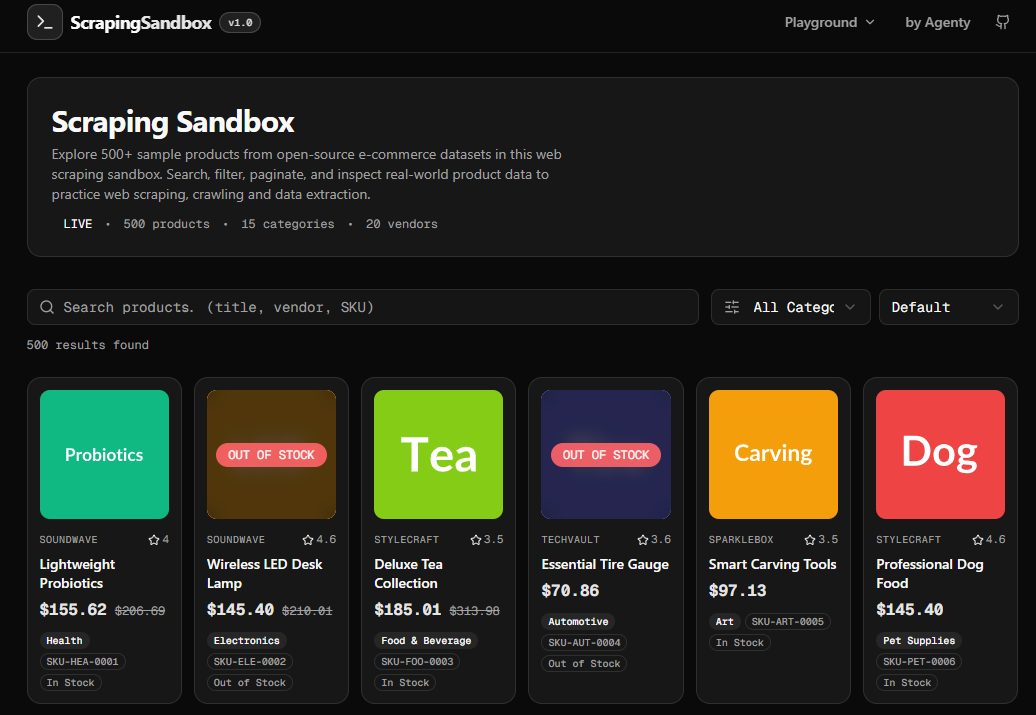
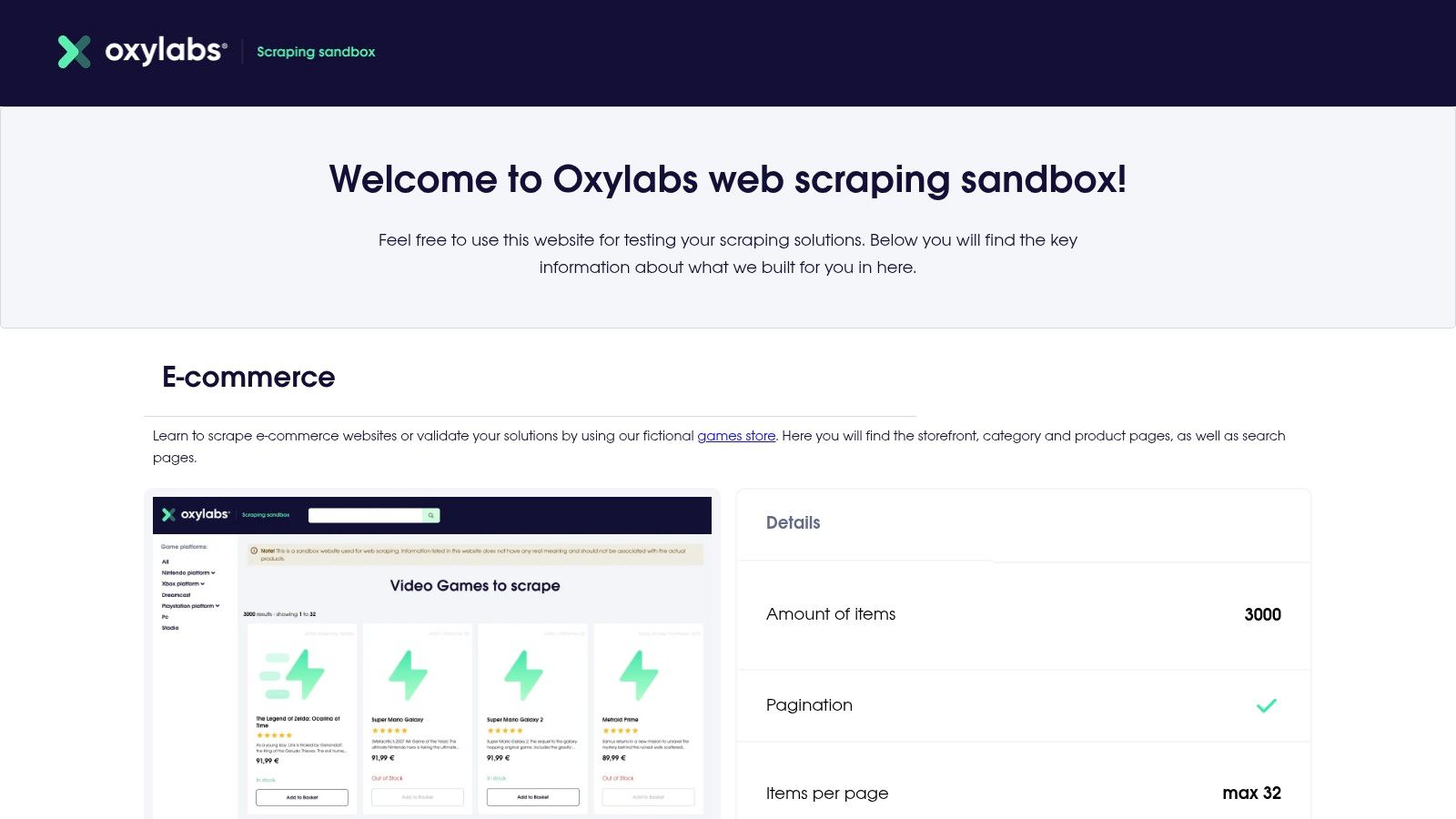
Scraping Sandbox is an open-source the practice site I’d hand to anyone who needs browser automation reps before touching a real storefront. Open the page with a plain HTTP client and you miss part of what matters. Open it in Playwright or Puppeteer and the exercise changes. You have to wait for rendered content, inspect the live DOM, and decide whether your scraper should click through pagination or pull data from the underlying requests.
That makes it a better training ground for modern scraping than static HTML demos. You can practice the part that breaks first in production: synchronization. If your script grabs the page too early, you get empty containers or partial records. If your selectors are too broad, you collect layout junk instead of product data.
Playwright example
The pattern below works well when you want product names, prices, and links from a JavaScript-rendered listing page.
const { chromium } = require('playwright');

(async () => {
  const browser = await chromium.launch({ headless: true });
  const page = await browser.newPage();

  await page.goto('https://scrapingsandbox.com/', {
    waitUntil: 'domcontentloaded'
  });

  await page.waitForSelector('.product-grid, .products, .product-card');

  const products = await page.$$eval(
    '.product-card, .product, .products .card',
    cards => cards.map(card => ({
      name:
        card.querySelector('h2, h3, .product-title, .card-title')?.textContent?.trim() || null,
      price:
        card.querySelector('.price, .product-price')?.textContent?.trim() || null,
      url:
        card.querySelector('a')?.href || null
    }))
  );

  console.log(products);

  const nextLink = await page.$('a[rel="next"], .pagination a.next, .pagination-next a');
  if (nextLink) {
    await Promise.all([
      page.waitForLoadState('domcontentloaded'),
      nextLink.click()
    ]);

    await page.waitForSelector('.product-grid, .products, .product-card');
    console.log('Moved to next page');
  }

  await browser.close();
})();
Playwright is the better default here if you want stronger waiting primitives and cleaner debugging around flaky page states. I use it when I expect the target to grow more interactive later.
Puppeteer example
If you prefer Puppeteer, keep the flow nearly identical. This makes it easier to compare execution quirks instead of rewriting your extraction logic.
const puppeteer = require('puppeteer');

(async () => {
  const browser = await puppeteer.launch({ headless: 'new' });
  const page = await browser.newPage();

  await page.goto('https://scrapingsandbox.com/', {
    waitUntil: 'domcontentloaded'
  });

  await page.waitForSelector('.product-grid, .products, .product-card');

  const products = await page.$$eval(
    '.product-card, .product, .products .card',
    cards => cards.map(card => ({
      name:
        card.querySelector('h2, h3, .product-title, .card-title')?.textContent?.trim() || null,
      price:
        card.querySelector('.price, .product-price')?.textContent?.trim() || null,
      url:
        card.querySelector('a')?.href || null
    }))
  );

  console.log(products);

  const nextButton = await page.$('a[rel="next"], .pagination a.next, .pagination-next a');
  if (nextButton) {
    await Promise.all([
      page.waitForNavigation({ waitUntil: 'domcontentloaded' }),
      nextButton.click()
    ]);
  }

  await browser.close();
})();
What to watch: Don’t hard-code brittle selectors too early. Start broad, inspect the rendered DOM, then tighten selectors only after you confirm the page structure is stable.
This sandbox also gives you a clean place to test a production-minded workflow. Start with browser automation. Then inspect network calls to see whether the site exposes cleaner JSON behind the UI. That trade-off matters. Rendering every page in Chromium is slower and more expensive than calling an API directly, so the right browser script often helps you discover how to stop using the browser.
Its limitation is equally useful to understand. You will not learn proxy rotation, rate-limit handling, fingerprinting issues, or CAPTCHA recovery here. Those are the problems that show up after practice, when you move from a sandbox to a site that defends itself. That gap is why this section matters in the larger guide. Scraping Sandbox is where you sharpen Playwright and Puppeteer basics before you graduate to real-world blocking, identity management, and, eventually, the point where an enterprise scraping platform starts to make economic sense.
2. Books to Scrape
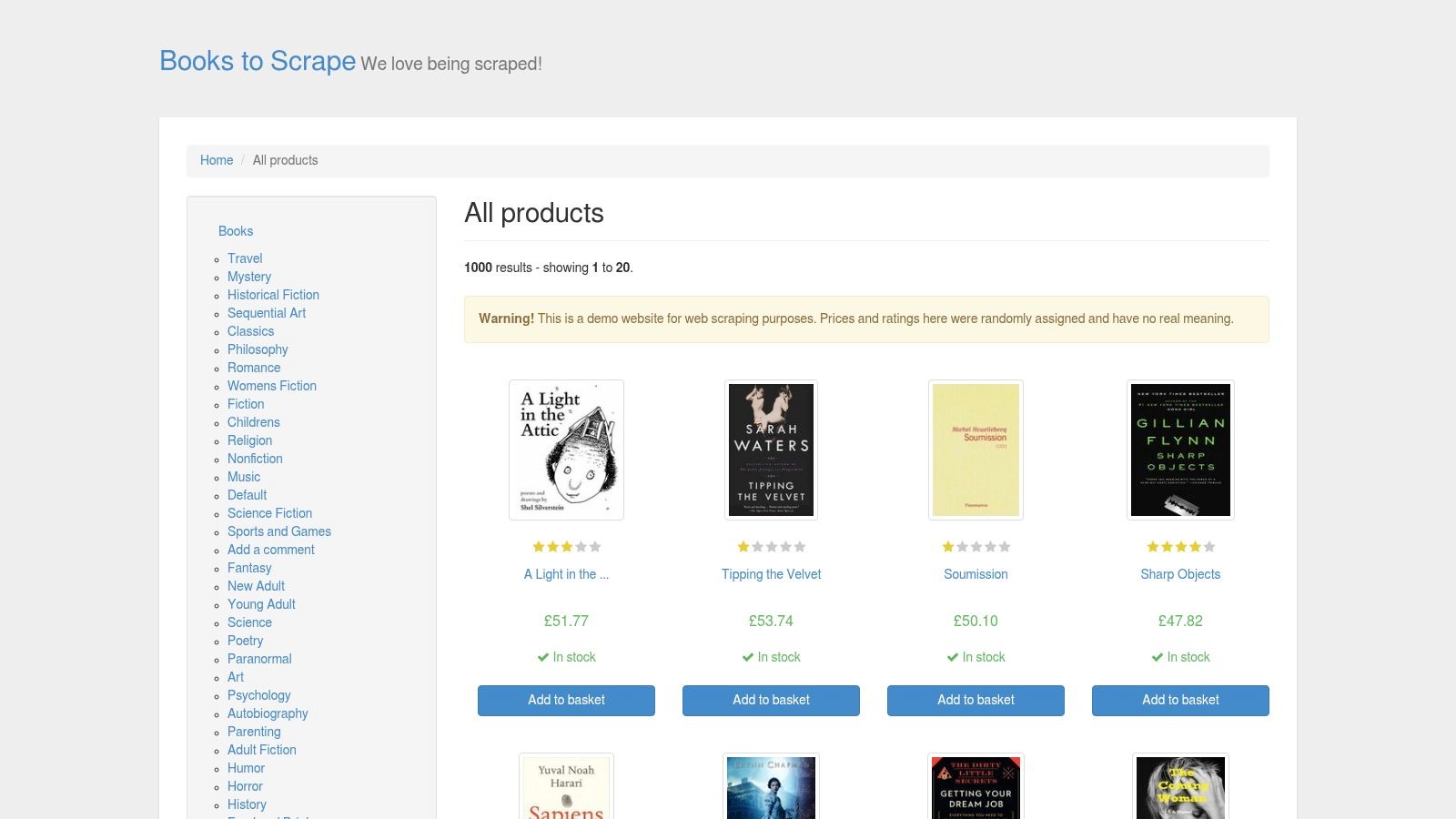
Books to Scrape is still one of the best starting points because it teaches the boring fundamentals that many people skip. The site is a static e-commerce demo with structured product data like prices, categories, and ratings, and that’s exactly what makes it useful for early scraper work, as described in ScrapingBee’s roundup of scraper practice sites.
It’s good for selector discipline. You can crawl category pages, follow product links, normalize star ratings, and download image URLs without having to debug JavaScript timing issues at the same time. That separation matters. When beginners mix parsing bugs with rendering bugs, they often misdiagnose both.
Where it works best
Use it when you want to practice:
- Pagination logic: Follow next-page links and make sure your crawler doesn’t loop or skip.
- Category traversal: Start from taxonomy pages and expand breadth-first or depth-first.
- Structured extraction: Pull title, price, availability, rating, and image fields into a consistent schema.
The main drawback is obvious. It’s fully static, so it won’t teach you browser automation, network interception, or waiting for hydrated content.
Practical rule: If you’re still changing selectors by hand in the browser devtools every few minutes, stay on Books to Scrape until your extraction code is boring and repeatable.
That’s also why I like it for test-driven scraping. The markup is predictable enough that you can write unit tests against your parser output instead of fighting page state. For learning sound extraction habits, that’s more valuable than jumping too early into flashy dynamic sites.
3. Quotes to Scrape
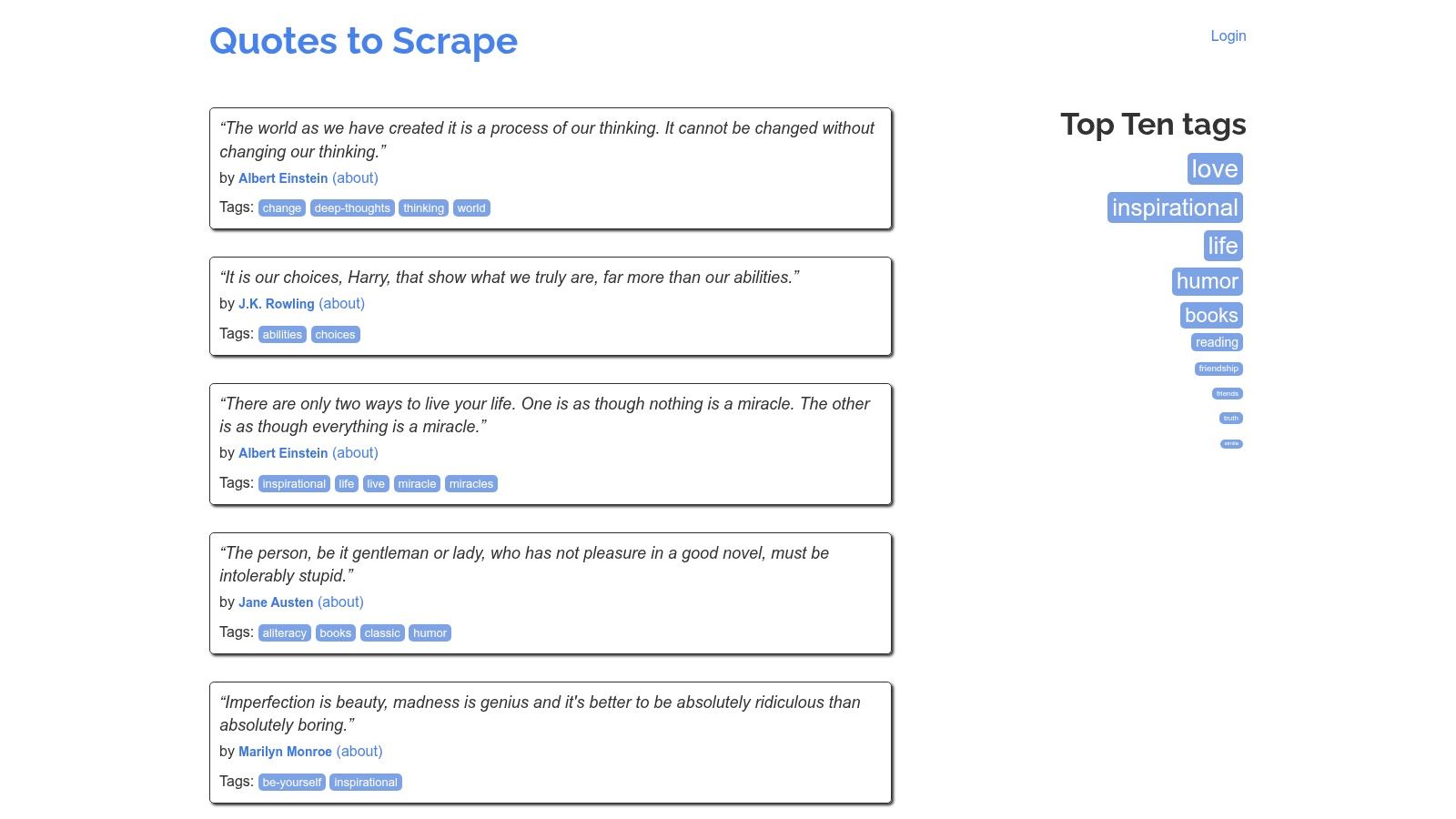
Quotes to Scrape is the site I’d put right after Books to Scrape. It stays simple, but it adds enough moving parts to force better scraper design. You get quote listings, tags, author pages, pagination, and an optional login path.
That combination is useful because it introduces state. A scraper that only fetches public lists is one thing. A scraper that submits a login form, holds cookies, then continues crawling is a different class of tool.
Why it’s a strong bridge site
The static pages are compact, so you can inspect everything quickly. The JavaScript-rendered variant gives you a clean before-and-after comparison between request-based scraping and headless-browser scraping. If you’re evaluating when to keep code custom versus when to use a managed extractor, this is also the point where products like Agenty’s scraping agent start making sense for teams that don’t want to hand-maintain browser flows.
A few trade-offs are worth calling out:
- Good for session handling: You can practice forms, cookies, and logged-in navigation without a huge dataset.
- Less useful for scale testing: The corpus is small, so it won’t pressure your queueing, storage, or crawl orchestration.
- Good for data modeling: Quotes, authors, and tags naturally push you toward relational thinking instead of flat CSV-only output.
Most existing lists of web scraping practice sites focus heavily on static sandboxes, yet many developers hit a wall when they move to dynamic or protected targets. One industry guide frames that gap sharply, noting that Proxyway’s discussion of practice-site limitations centers on stagnation when people leave basic sandboxes and meet JavaScript rendering, session cookies, and header spoofing in the wild.
That’s why Quotes to Scrape matters more than it looks. It’s small, but it teaches habits you’ll reuse everywhere.
4. Scrape This Site
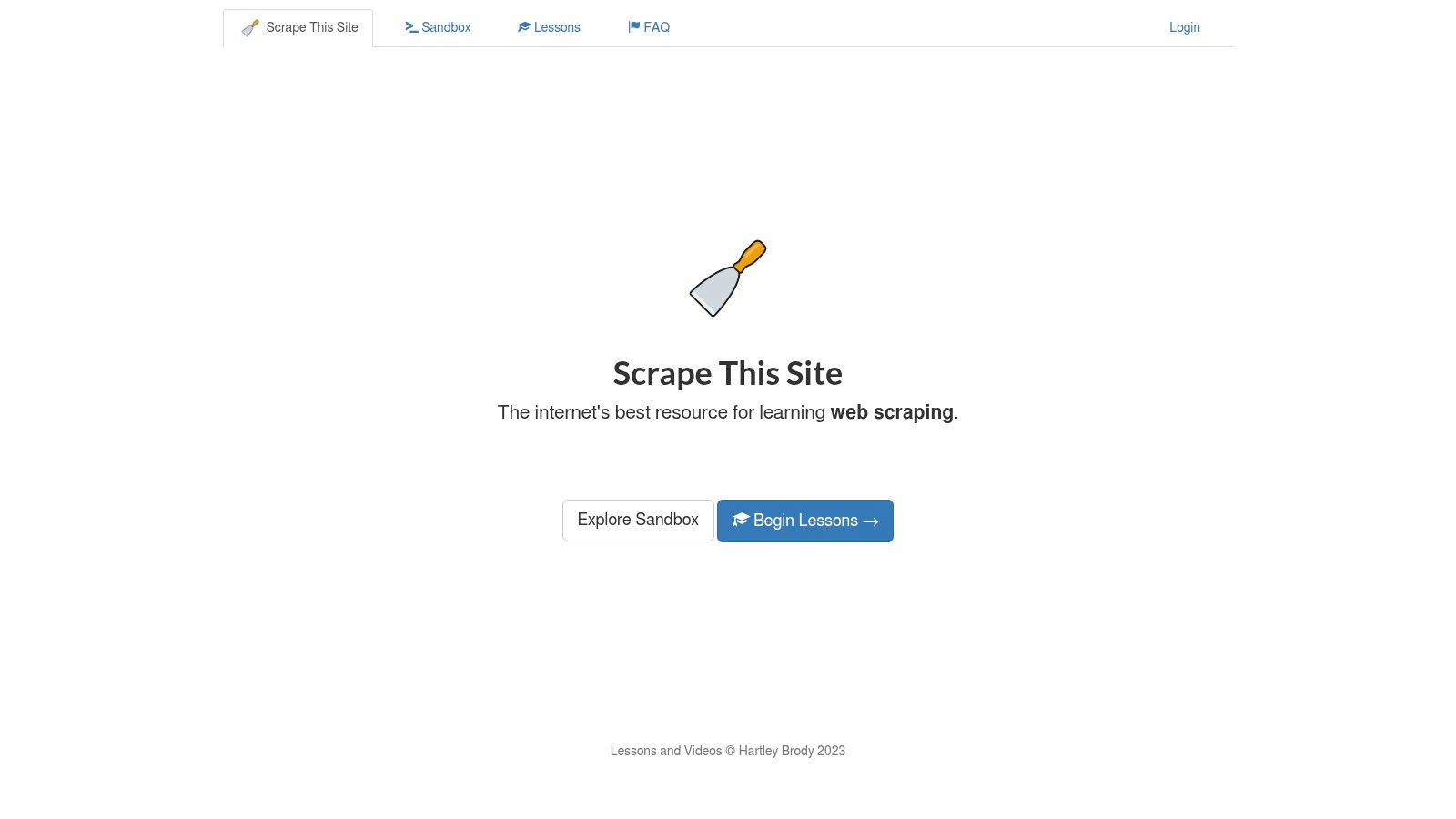
Scrape This Site is where I’d go when an e-commerce catalog stops being enough. It offers multiple scenarios and data shapes, including themed datasets, tables, pagination, and guided exercises. Verified coverage of the sandbox notes public datasets on countries, hockey teams, and movies, plus NHL team statistics from 1990 onward for pagination and AJAX practice, as summarized in Thunderbit’s survey of scraping test sites.
That variation matters because production scraping isn’t always product cards. Sometimes it’s tables with inconsistent cells. Sometimes it’s a search result grid. Sometimes it’s a nested detail page with odd formatting that you need to normalize for analytics.
Where it earns a spot
This site is good for training parser generalization. If your extraction framework only works on product tiles, it’s too narrow. Scrape This Site forces you to deal with tabular data, mixed layouts, and less repetitive record structures. Teams building broad crawlers can also pair these patterns with Agenty’s crawling agent when they need pagination and site-structure navigation without hand-coding every follow rule.
A few strengths stand out:
- Varied page shapes: Better for table extraction and normalization practice than most retail-only sandboxes.
- Guided scenarios: Helpful when you want a concrete extraction task instead of an open-ended page.
- Low operational risk: Stable enough for repeated experiments.
Its limitation is modern frontend complexity. It isn’t the place to learn serious browser automation against heavily interactive sites. Use it for data-shape versatility, not for anti-bot warfare.
5. ScrapeMe Live
ScrapeMe Live feels closer to a real storefront because it mirrors common WordPress and WooCommerce conventions. That matters if you scrape retail sites for a living. You’ll run into WooCommerce patterns often enough that it’s worth learning the structure before you hit client work or competitive monitoring jobs.
The value here isn’t just products and prices. It’s breadcrumbs, category paths, images, variants, and internal linking patterns that look more like a real store than a stripped-down training page. That makes it a good place to practice crawl boundary rules and deduping repeated links that appear across categories, tags, and product widgets.
Why practitioners like it
For extraction pipelines, WooCommerce-style markup often exposes recurring anchors and metadata patterns. That means you can practice building reusable parsers rather than one-off selectors. It’s also a good target for image downloading and asset validation because product pages usually expose more than a single thumbnail.
What doesn’t work as well is strict reproducibility. It’s a live demo, so subtle template or content changes can happen. That’s useful in one sense because your scraper should tolerate small layout changes. But it also makes it less ideal than a pure sandbox for tightly controlled parser tests.
If you want a middle ground between classroom-safe demos and messier production stores, this is a solid stop.
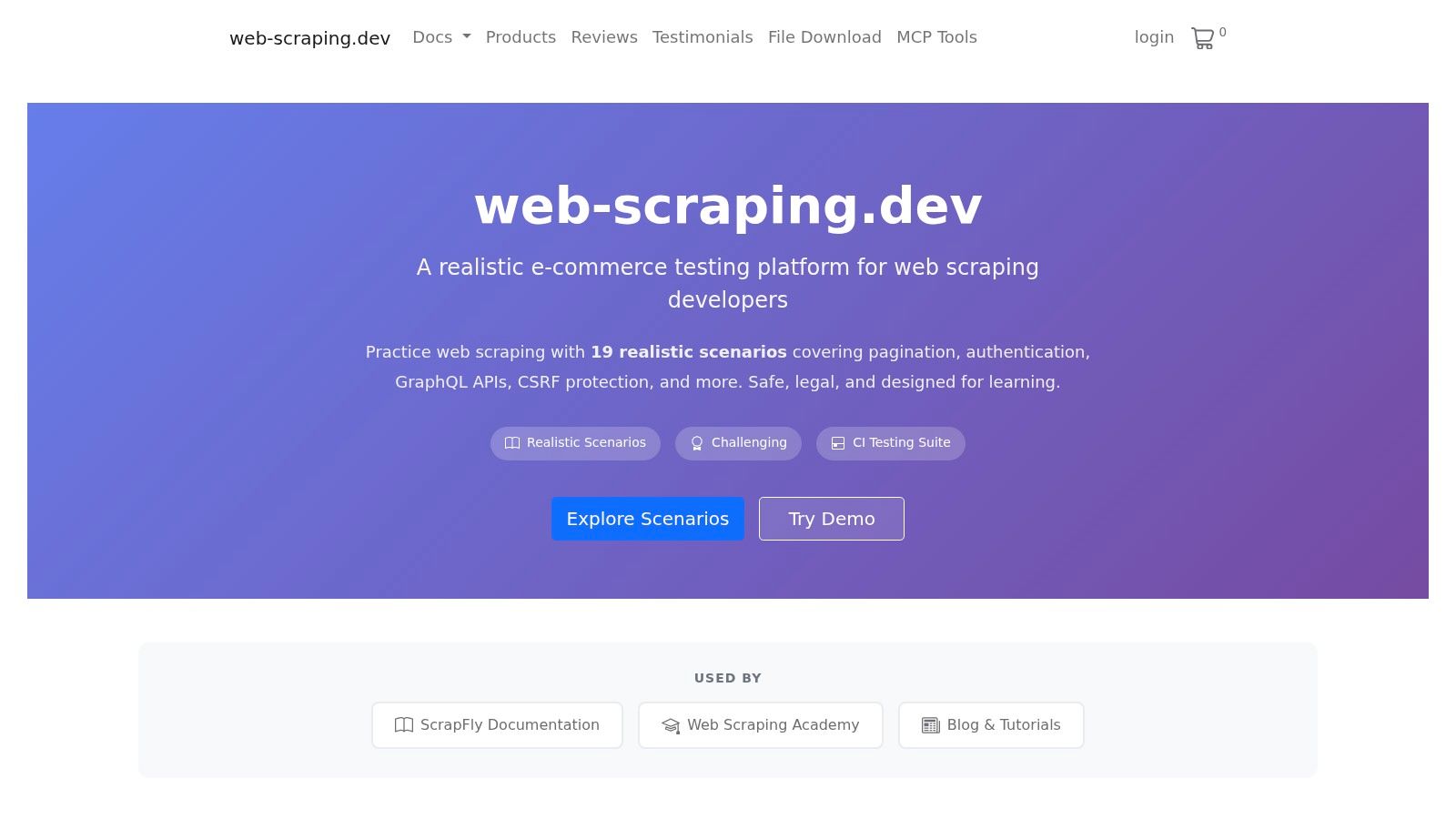
6. web-scraping.dev
web-scraping.dev is less polished as a storefront demo and more valuable as a challenge platform. That’s a good thing. It covers the cases that usually break scrapers after the happy path works once.
You can practice static pagination, infinite scroll, login-protected resources, file downloads, sitemap handling, and browser state behaviors like localStorage. Those aren’t edge topics. They’re normal production concerns.
Good for failure testing
Use this site when you want to stress your crawler logic instead of just extracting records. A parser that works on one page is easy. A crawler that can resume, paginate, avoid duplication, and manage state across mixed navigation patterns is much harder.
This platform is also handy when you want to test concurrency controls. Infinite scroll and sitemap-heavy targets push you toward queue discipline, request scheduling, and selective rendering. That’s where many scrapers become too expensive or too slow.
- Strong fit for crawler engineering: Better for stateful navigation than for simple parsing drills.
- Useful for large crawl planning: Sitemap scenarios make you think about breadth, depth, and dedupe.
- Less domain-specific: The content is synthetic, so it won’t teach vertical-specific extraction semantics.
If your current scraper works only when you manually click around first, spend time here. It exposes hidden assumptions quickly.
7. Scrapeground by Scrapfly
Scrapeground works well for intermediate learners because it combines targets with teaching material. That pairing is more useful than it sounds. A lot of web scraping practice sites give you pages to hit but not much context on why one approach is better than another.
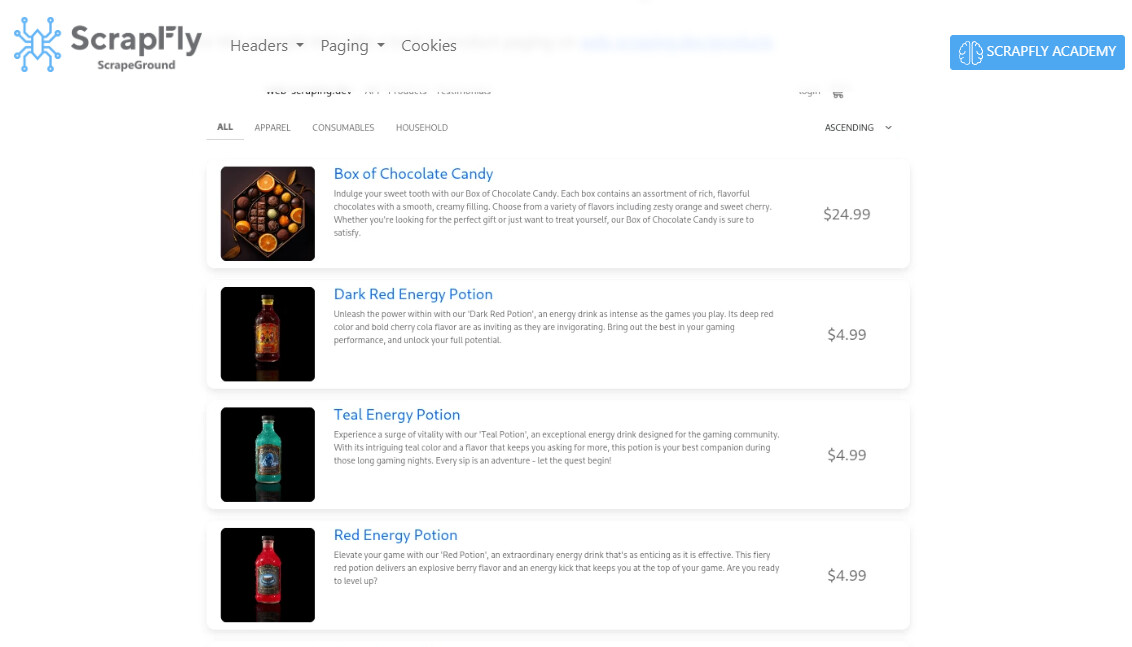
Here you can practice pagination, lazy loading, and JavaScript rendering while also thinking about blocking concepts and extraction strategy. It’s a good environment for comparing browser-based scraping with request-first methods.
A good place to level up
The best way to use Scrapeground is to treat it as a lab. Run a direct HTTP fetch first. If the HTML is incomplete, render the page. If rendering works, inspect whether the browser is hitting an API you can call more cheaply. That workflow mirrors real engineering trade-offs.
AI is also changing how scrapers get built. One technical write-up explains that AI agents can render a webpage, convert it into a 2D text representation through computer vision, and feed that into GPT-4 to generate context-aware extraction code, as described in Confluent’s article on real-time web scraping. A training playground like Scrapeground is a good place to validate those generated extractors before trusting them elsewhere.
“Render first, inspect second, optimize third” is still a better workflow than guessing the site’s data path from the outside.
Its main limit is scale. You’re learning patterns here, not running a high-volume crawl corpus.
8. Boot.dev Web Scraping Practice Sandbox
Boot.dev’s Learn Web Scraping sandbox is clean, predictable, and better than it looks for disciplined engineering. I wouldn’t use it to practice anti-bot avoidance, but I would absolutely use it to build parsers with tests, retries, and clean output schemas.
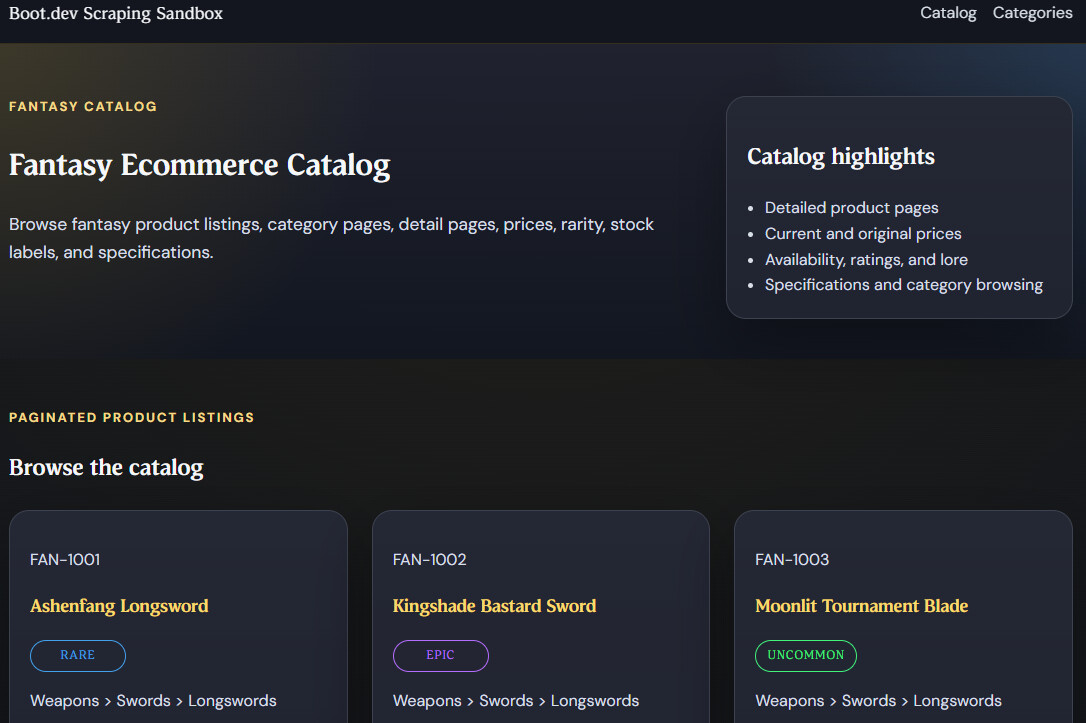
That cleanliness reduces noise. When you’re learning, you want enough complexity to matter, but not so much incidental mess that you can’t tell whether your code is wrong. This sandbox is good for category traversal, pagination, and detail-page extraction without making you fight weird frontend behavior.
Where it fits
This is a strong choice if you’re teaching junior developers or onboarding a data team to scraper basics. The site structure supports guided exercises, and that makes it easier to compare one extractor implementation to another.
It also pairs well with API-first thinking. One persistent gap in scraping education is legal and ethical workflow guidance when teams move toward production use. A separate industry piece highlights that confusion around compliance, terms, and safer extraction alternatives is still common, as discussed in Clay’s article on websites that allow web scraping. A stable sandbox like this gives teams a safer place to build operational habits before they point code at real targets.
The downside is obvious. If you only train here, dynamic sites will still feel like a jump.
9. httpbin
httpbin isn’t a scraping site in the usual sense, but I’d still keep it in any serious practice stack for API testing to scrape data from network reqeusts. It gives you endpoints for methods, headers, cookies, auth, redirects, delays, and other HTTP behaviors that break scrapers long before parsing does.
When a crawler fails in production, the bug often has nothing to do with selectors. It’s a redirect loop. A cookie didn’t persist. A retry policy is too aggressive. A proxy changed the response path. httpbin lets you test those layers in isolation.
Why it belongs in this list
Use it before you blame the target site. Validate your client behavior first.
- Header debugging: Confirm exactly what your scraper sends.
- Session testing: Check cookie persistence and auth flows.
- Retry and backoff validation: Hit delay and status endpoints to test error handling.
- Proxy checks: Confirm that upstream settings are doing what you expect.
As AI-driven scraping grows, resilient request handling matters even more. A market analysis focused on AI-driven web scraping projects that the sector will add USD 3.15 billion in value from 2024 to 2029, and it describes a shift from rigid selector rules toward ML-assisted and autonomous extraction systems that recover from failures and adapt to layout change, according to GroupBWT’s AI-driven web scraping market analysis. None of that helps if your HTTP layer is unstable.
httpbin won’t teach you how to extract product catalogs. It will teach you how to stop blaming parsing code for network bugs.
10. ScrapeNinja
ScrapeNinja Scraper Sandbox is a dedicated environment designed specifically for learning and practicing web scraping. Unlike real-world websites that may have complex structures or anti-bot protections, this sandbox provides predictable pages that help beginners understand how to extract data using CSS selectors, XPath, and browser automation tools.
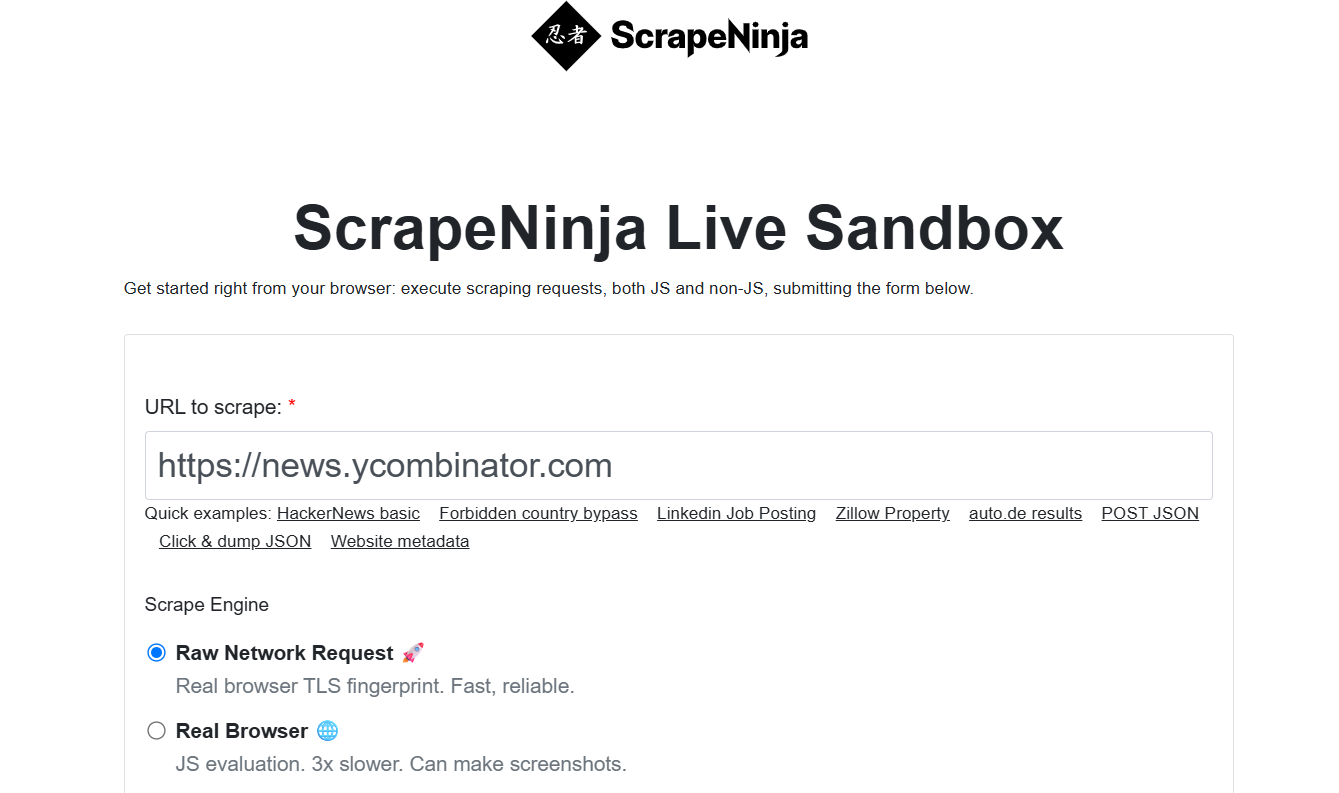
It includes both static and JavaScript-rendered content, making it ideal for testing scraping scripts, debugging extraction logic, and experimenting with frameworks such as Playwright, Puppeteer, Selenium, and BeautifulSoup.