
You’re already feeling it. A scrape that used to be fine now burns through credits faster, breaks more often, or returns HTML that your team still has to clean, reshape, and monitor by hand. When that starts happening, the key question isn’t whether ScrapingBee is “good.” It’s whether another platform fits your current workload better, especially if you need more structured output, more predictable costs, or a migration path that doesn’t force a rewrite of every downstream parser.
The strongest scrapingbee alternatives in 2026 split into two camps. Some are managed scraping APIs built for speed and reliability, while others are broader data-acquisition platforms that also cover crawls, screenshots, scheduling, structured extraction, and delivery.
The fastest migration wins usually come from matching your current output contract first, and your vendor second.
1. Agenty
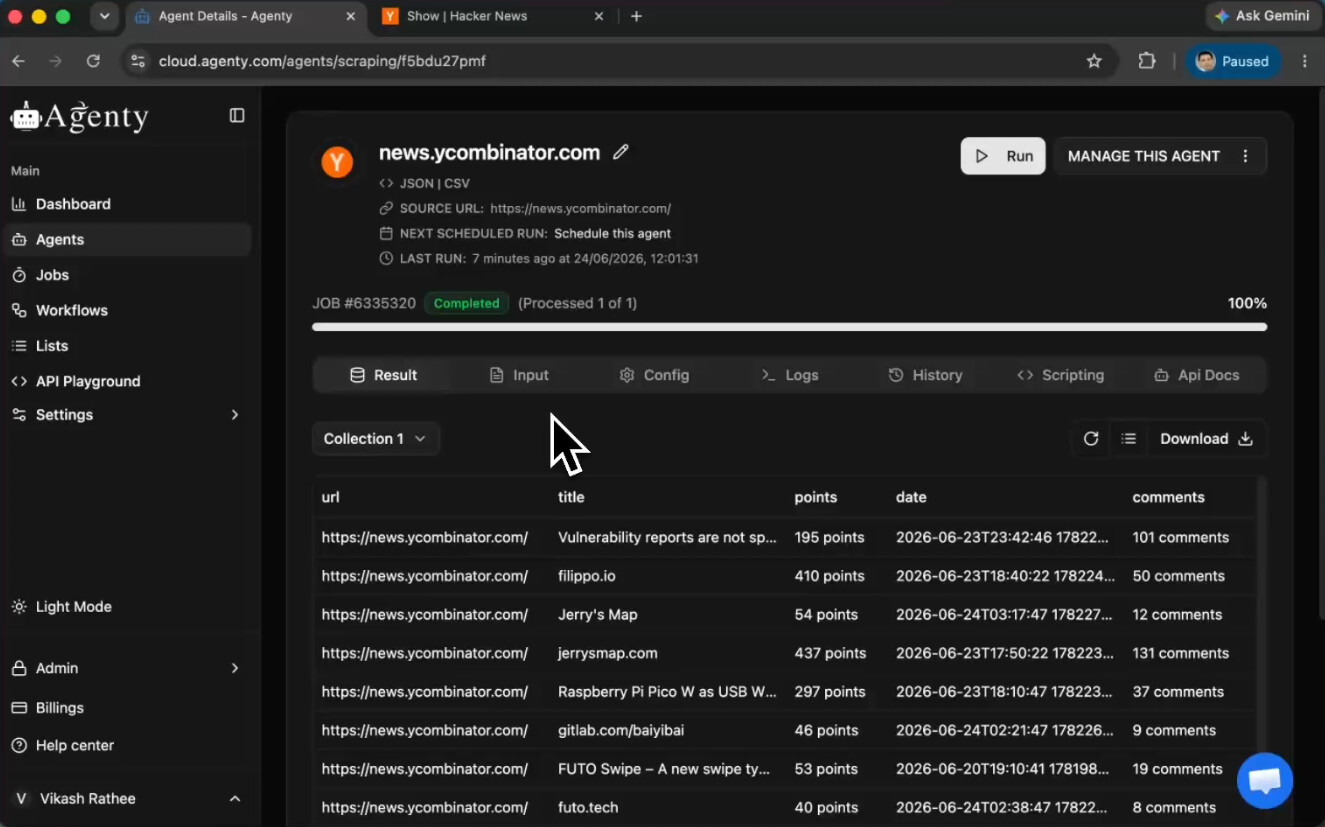
Agenty stands out when the problem is not just fetching a page, but turning messy web pages into reliable data your team can use. Its positioning is broader than a basic scraper API, because it combines AI-powered extraction, change detection, scheduling, screenshots, Markdown conversion, and structured exports in one hosted platform. The official product site presents it as a SaaS built for web scraping, crawling, and website change detection, with AI-based agents, REST API access, no-code workflows, and a Chrome extension for building agents without a heavy engineering lift (Agenty website).
Why it fits teams replacing ScrapingBee
Agenty is a strong fit when your current ScrapingBee pipeline has outgrown simple request-response scraping. If your downstream system wants clean JSON, CSV, Markdown, or screenshots, Agenty’s output model is closer to a workflow platform than a raw fetch API. That matters because migration pain often comes from rework, not from the fetch itself, and Agenty’s docs explicitly walk through building a scraping agent from website data extraction patterns (Agenty docs on building a scraping agent).
The platform also leans hard into operational reliability. The publisher states a 99.9% uptime SLA, and the product overview describes global proxy infrastructure, anti-detection features, concurrent processing, and managed onboarding for teams that need help getting live quickly. In practical terms, that makes Agenty more than a stopgap replacement, it’s a candidate for teams that want to reduce maintenance, not just swap endpoints.
A few things make it especially relevant for AI pipelines and analytics teams:
- Structured outputs first, with JSON and CSV support for downstream analysis.
- Markdown conversion, useful when content needs to feed RAG or LLM training flows.
- Scheduled jobs and webhooks, so scraping can become an automated workflow.
- No-code and API access together, which helps mixed technical teams work from the same platform.
If your current parser breaks every time the page layout changes, a migration to an adaptive extraction workflow saves more time than a cheaper request price ever will.
Pros
- Adaptive extraction that can reduce hand-maintained selector work.
- End-to-end tooling for scraping, screenshots, scheduling, and exports.
- Enterprise onboarding for teams that need a managed rollout.
Cons
- Pricing transparency is limited on the public site, so budgeting may require a sales conversation.
- Advanced proxy and anti-detection tuning can still pull in engineering support.
Website: Agenty
2. Zyte API
Zyte API makes the most sense when your concern is protected sites under load, not just everyday page retrieval. Independent benchmark coverage cited in 2026 reported 93.14% success at 2 requests per second and 85.89% at 10 requests per second, the highest figures among 12 tested providers in Proxyway’s December 2025 benchmark context, while ScrapingBee scored 84.47% at 2 rps in the same benchmark discussion (Zyte benchmark coverage). That difference matters because production scraping rarely happens at a polite trickle.
What the benchmark signal really means
The load-based numbers matter more than a headline success rate that ignores throughput. When traffic rises, anti-bot handling, browser rendering, and proxy coordination all start competing with each other. Zyte API’s pitch is that it bundles proxy infrastructure, unblocker handling, JavaScript execution, and structured extraction under one endpoint, so teams aren’t stitching separate services together just to keep runs alive.
Its other advantage is migration continuity. Teams moving from older Zyte tooling get a cleaner path through centralized billing and a product that still feels enterprise-first. That’s useful if your current stack already leans on Scrapy or if procurement prefers a vendor with a long operational history.
Where it’s a better fit than ScrapingBee
Zyte API is strongest when:
- You scrape protected targets regularly and need better behavior under load.
- You want one managed endpoint instead of combining proxies and rendering yourself.
- You value centralized billing across an enterprise scraping stack.
It’s less compelling if your workload is mostly static pages or your team doesn’t need the full access and browser feature set. For simple targets, the added machinery can be more than you need.
Pros
- Strong protected-site performance under benchmarked load.
- Unified endpoint for accessing, rendering, and structured scraping.
- Clear enterprise migration path for teams already in the Zyte ecosystem.
Cons
- Per-target pricing can be harder to forecast across mixed workloads.
- Full feature depth may be overkill for plain static pages.
Website: Zyte API
3. Bright Data Web Scraper API
Bright Data is the enterprise-heavy choice when proxy scale and product breadth matter more than simplicity. The platform’s Web Scraper API sits inside a much larger ecosystem that includes proxy products, scraping browser tooling, datasets, and an in-browser IDE. Coverage from 2026 benchmarking and comparison pages repeatedly places Bright Data among the most enterprise-oriented scrapingbee alternatives, especially for teams that care about geo coverage and operational control rather than a bare-bones endpoint (Bright Data Web Scraper API).
Why large teams end up here
Bright Data is built for organizations that need more than a generic fetch API. The public product pages emphasize prebuilt scrapers, granular geo-targeting, SERP coverage, and dataset delivery. That breadth can lower engineering work because teams can use prebuilt flows for specific domains instead of maintaining their own parsers for every target.
The benchmark and pricing context in the research brief points to why larger teams evaluate it carefully. In broad comparison articles, the category is increasingly judged on reliability and delivery format, not just request success. Bright Data fits that pattern because it gives teams options across JSON-like structured deliveries, proxy layers, and browser automation. It’s a broader operational toolkit, not a single feature.
Practical migration note
A common mistake is comparing Bright Data only against the cost of a simple ScrapingBee request. That misses the fact that enterprise teams often pay for reduced maintenance, support, and control. If you’re replacing a live pipeline, the key question is whether Bright Data’s product sprawl helps you consolidate other vendors or just adds complexity.
Choose Bright Data when procurement, compliance, and proxy breadth are already part of the buying conversation.
Pros
- Broad product portfolio for enterprise scraping operations.
- Large proxy ecosystem with geo-targeting and browser tooling.
- Transparent Web Scraper API pricing page for planned usage.
Cons
- Can be expensive at scale on difficult targets.
- Complex catalog can be overkill for smaller teams.
Website: Bright Data Web Scraper API
4. Oxylabs Web Scraper API
Oxylabs sits in the same enterprise tier as Bright Data, but its appeal is a little different. It’s often a better match when your team wants premium infrastructure plus strong support, and when structured results matter more than raw HTML. The product page positions the Web Scraper API alongside a large proxy network, JavaScript rendering, country and city targeting, and enterprise support options (Oxylabs Web Scraper API).
When Oxylabs beats a lighter API
This is the kind of vendor teams move to when they’ve already learned that “cheap per request” isn’t the whole story. For enterprise workloads, the combination of handling complex access, rendering, proxy breadth, and support can matter more than shaving a little off unit cost. The benchmark context in the research brief also frames this choice correctly, because major alternatives are being judged on protected-site performance and throughput, not only on whether they can return a page.
Oxylabs is especially relevant when your workload is high-volume e-commerce or SERP collection and you need the assurance that an issue won’t become your team’s overnight incident. The product page highlights structured scraping, synchronous or asynchronous batch delivery, and an AI Agents SDK, which shows how the platform is moving beyond a pure endpoint into a broader execution stack.
What to watch during migration
The main trade-off is cost and procurement complexity. Enterprise support usually comes with more process, and some advanced options are sales-assisted. That is normal at this tier, but it does mean you should test hard targets before you commit.
- Use it for protected e-commerce pages, search data, and high-volume collection.
- Expect a stronger enterprise buying motion than with mid-market APIs.
- Validate structured output formats early, so your downstream parser doesn’t need a rewrite.
Pros
- Enterprise reliability with broad proxy and rendering options.
- Structured output that reduces parser maintenance.
- Support-first posture that suits large operational teams.
Cons
- Higher price point than many mid-market providers.
- Some advanced capabilities may require sales involvement.
Website: Oxylabs
5. ScraperAPI
ScraperAPI is the closest structural swap for teams that like ScrapingBee’s developer flow but want a different pricing and product shape. It keeps the integration simple, with one endpoint handling proxy rotation, retries, CAPTCHA handling, and browser rendering, which lowers the switching cost for engineering teams. The platform also has its own comparison content positioning it as a common alternative for teams deciding between managed scraping APIs, and the Agenty blog’s comparison of scraping approaches is useful if you’re trying to decide whether an API or a broader platform fits the job better (Agenty on web scraping vs API choice).
Why developers choose it first
The best argument for ScraperAPI is operational simplicity. Teams don’t usually move to it because it does something dramatically different. They move because it’s easier to integrate than a proxy stack, and easier to reason about than a sprawling enterprise catalog. If you want a low-friction replacement for a general-purpose scraping endpoint, that simplicity is valuable.
Its pricing model is credit-based and target-sensitive, so hard pages can consume more credits, but that trade-off is at least familiar. For teams with modest scope and a clear integration pattern, the platform can be a practical middle ground between “cheap DIY” and “enterprise suite.”
A useful way to think about it is this. If your current ScrapingBee setup is mostly request-in, HTML-out, and some rendering when needed, ScraperAPI is one of the least disruptive alternatives. If your roadmap includes screenshots, dashboards, or workflow orchestration, it stops looking like the right long-term home.
Pros
- Fast integration with a familiar API pattern.
- Clear plan structure for teams that want predictable operational steps.
- Low engineering lift for a general scraping replacement.
Cons
- Hard sites can burn through credits more quickly.
- Fewer enterprise workflow features than larger platforms.
Website: ScraperAPI
6. Apify
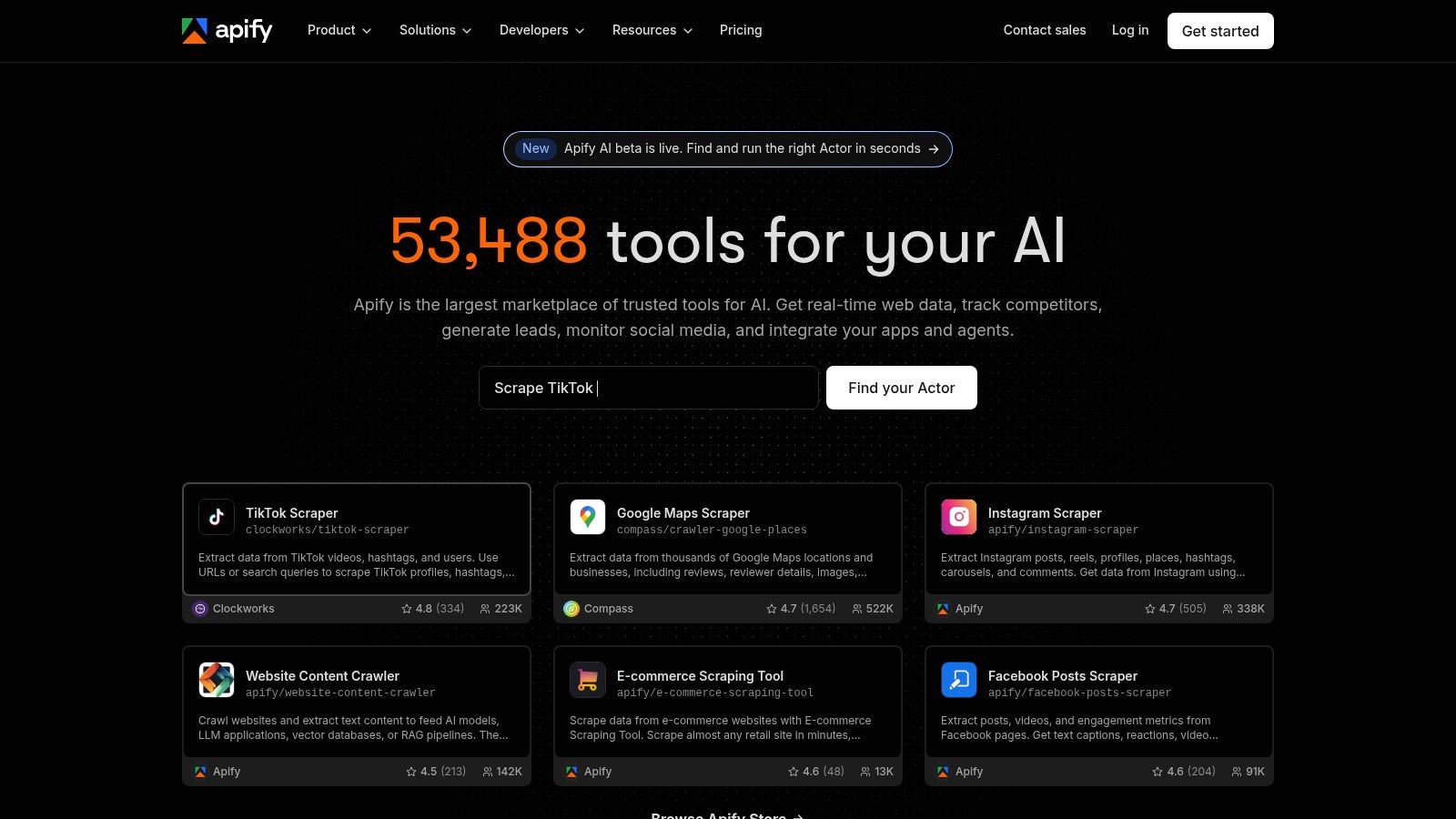
Apify belongs on this list because a lot of teams no longer want only an HTTP scraping endpoint. They want an execution platform where they can run scrapers, schedule jobs, store datasets, and reuse existing “Actors” instead of starting every project from scratch. The product is clearly positioned that way on its homepage, with a marketplace-driven model built around hosted automation and reusable runs (Apify).
The platform angle matters
Apify is often the better answer when the question is, “How do we run scraping as a workflow?” rather than, “What endpoint returns HTML fastest?” That distinction matters for migration. If ScrapingBee is feeding a downstream process that already expects scheduled jobs, stored datasets, and webhooks, moving to Apify may reduce total engineering overhead even if the first integration feels less direct.
The platform is also friendlier to mixed technical teams. Analysts can use ready-made Actors, while developers can use SDKs like Crawlee and ship custom logic when needed. That split is one reason the tool shows up so often in scrapingbee alternatives discussions for teams that care about orchestration more than pure request speed.
Migration risk rises when your downstream process depends on raw HTML shape. Apify is strongest when you’re willing to shift that contract toward datasets and workflows.
Pros
- Marketplace model that reduces build time for common targets.
- Scheduling, storage, and webhooks in one platform.
- Good fit for no-code and developer-led teams.
Cons
- Pricing can be less intuitive than a simple request-based API.
- Not a direct unblocker for every tough site without tuning.
Website: Apify
7. Crawlbase
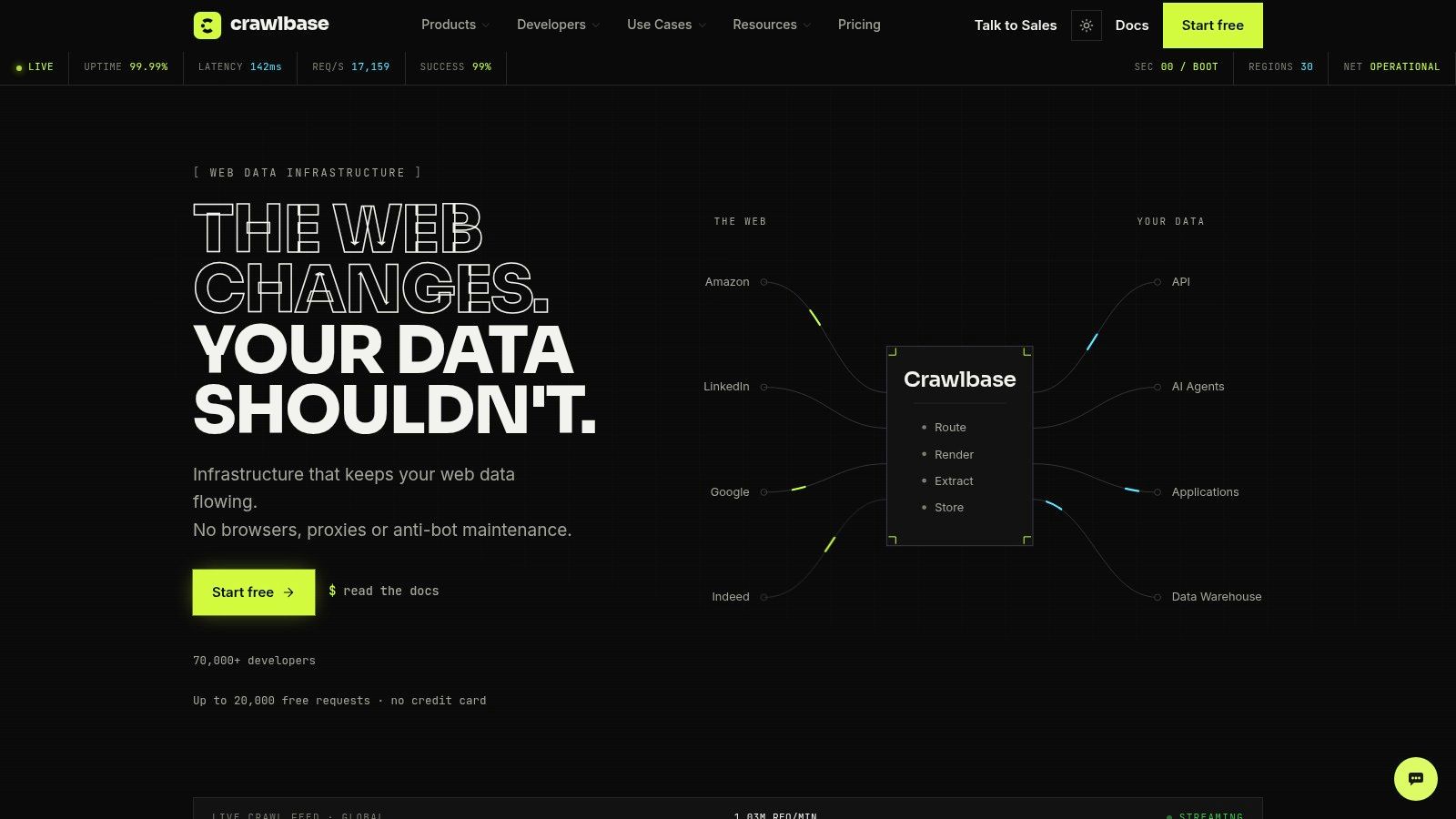
Crawlbase is a pragmatic option for teams that want usage-based scraping without locking into a heavy monthly plan. The platform offers a Crawling API, proxy modes, JavaScript rendering, sessions, country routing, and storage. It also appears in comparisons as a flexible migration path for teams moving away from traditional proxy-centric scraping, and its documentation is usually more comfortable for experienced users than for beginners (Crawlbase).
Why it belongs in a serious shortlist
The reason to consider Crawlbase isn’t that it tries to out-enterprise the biggest vendors. It’s that the billing model and execution modes can fit variable workloads better than a rigid subscription. For teams that scrape in bursts, that can be more practical than buying capacity they might not fully use.
Crawlbase also represents a useful philosophical alternative to ScrapingBee. It’s still a scraping API, but the presence of proxy mode and storage options suggests a broader approach to data acquisition and handling. That’s attractive when you don’t want to stitch together separate tools for fetching, queueing, and holding results.
Practical read on the trade-offs
If your team is already comfortable tuning parameters and reading API docs carefully, Crawlbase can feel like a sensible middle layer. If you want the most polished onboarding or the richest enterprise ecosystem, you’ll probably end up elsewhere.
Pros
- Usage-based model that suits variable workloads.
- Multiple modes for API and proxy-style workflows.
- Simple migration path for teams already thinking in proxy terms.
Cons
- Documentation can feel more technical than newer UX-first tools.
- Hard targets still need tuning.
Website: Crawlbase
8. Decodo
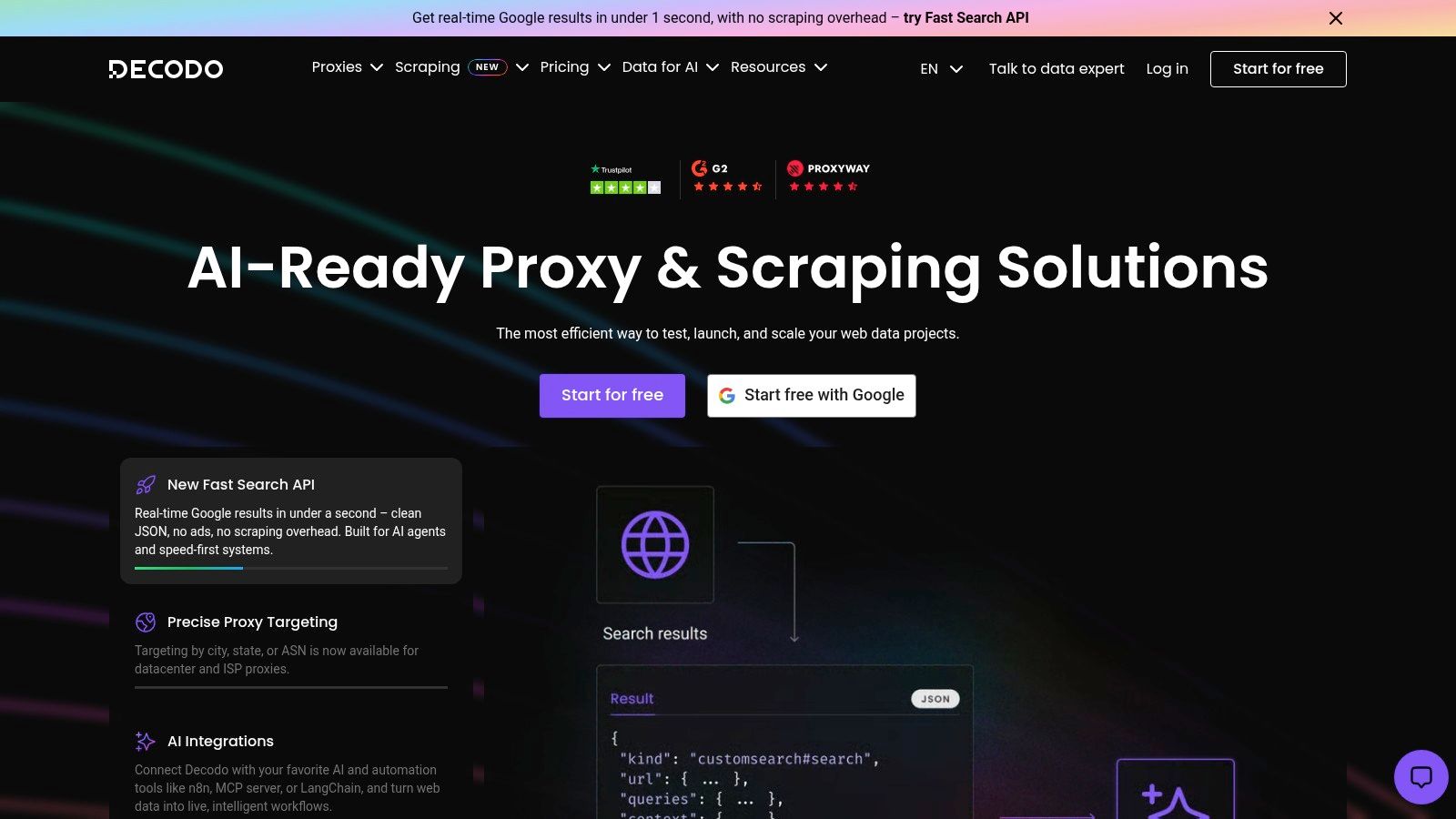
Decodo, the rebrand of Smartproxy, is the kind of alternative teams choose when they want continuity with a known proxy-first vendor but also want scraping-specific product layers. Its current positioning combines proxy pools with a Web Scraping API and a Site Unblocker, plus templates, an AI parser, usage analytics, and SDKs (Decodo). The rebrand matters because some older references still use the Smartproxy name, which can create confusion during procurement or team handoff.
What the rebrand changes in practice
The important thing isn’t the name change, it’s whether the product stack still makes sense for your workload. Decodo is attractive for mid-to-large scraping jobs that need good concurrency and a balance between price and performance. It’s not trying to be the broadest workflow platform in the category. It’s more focused on giving teams a dependable way to route traffic, render pages, and keep protected targets accessible.
For teams already used to proxy-based scraping, that continuity lowers adoption friction. You’re not learning an entirely new workflow model. You’re extending what your team already knows with API and unblocker layers that are more modern than a raw proxy pool alone.
Pros
- Strong price-to-performance balance for many mid-market workloads.
- Brand continuity from Smartproxy can make migration smoother.
- Web Scraping API plus Site Unblocker keeps options open.
Cons
- Legacy naming confusion can leak into team discussions.
- Some pricing details may require sales contact.
Website: Decodo
9. ZenRows
ZenRows is the anti-bot-first option. If your main pain is bypassing difficult defenses on arbitrary sites, it deserves attention. The product is positioned around a Universal Scraper API and a cloud Scraping Browser, with residential proxies and structured output bundled under one vendor. It also gives teams a clearer concurrency model by plan, which helps when you care about how the system behaves under real production load (ZenRows).
Best when blocking is the bottleneck
This is the choice for teams that don’t want a broad platform, they want the requests to work. That distinction matters. If you’re constantly dealing with challenge pages, frequent blocking, or fragile sessions, ZenRows can be more relevant than a cheaper general-purpose alternative.
It’s less compelling if your output needs to be rich and workflow-oriented. The platform is strongest when the main issue is getting through, not when the issue is orchestrating a full data pipeline around extraction, change detection, and delivery.
A lot of teams buy the wrong thing here. They need less “scraping infrastructure” and more “my requests stop getting blocked.”
Pros
- Strong anti-bot focus for difficult targets.
- API and browser options from one vendor.
- Clear plan-based concurrency.
Cons
- Higher-end plans can be pricey for smaller teams.
- Browser-based flows still need scripting skill.
Website: ZenRows
10. Scrapfly
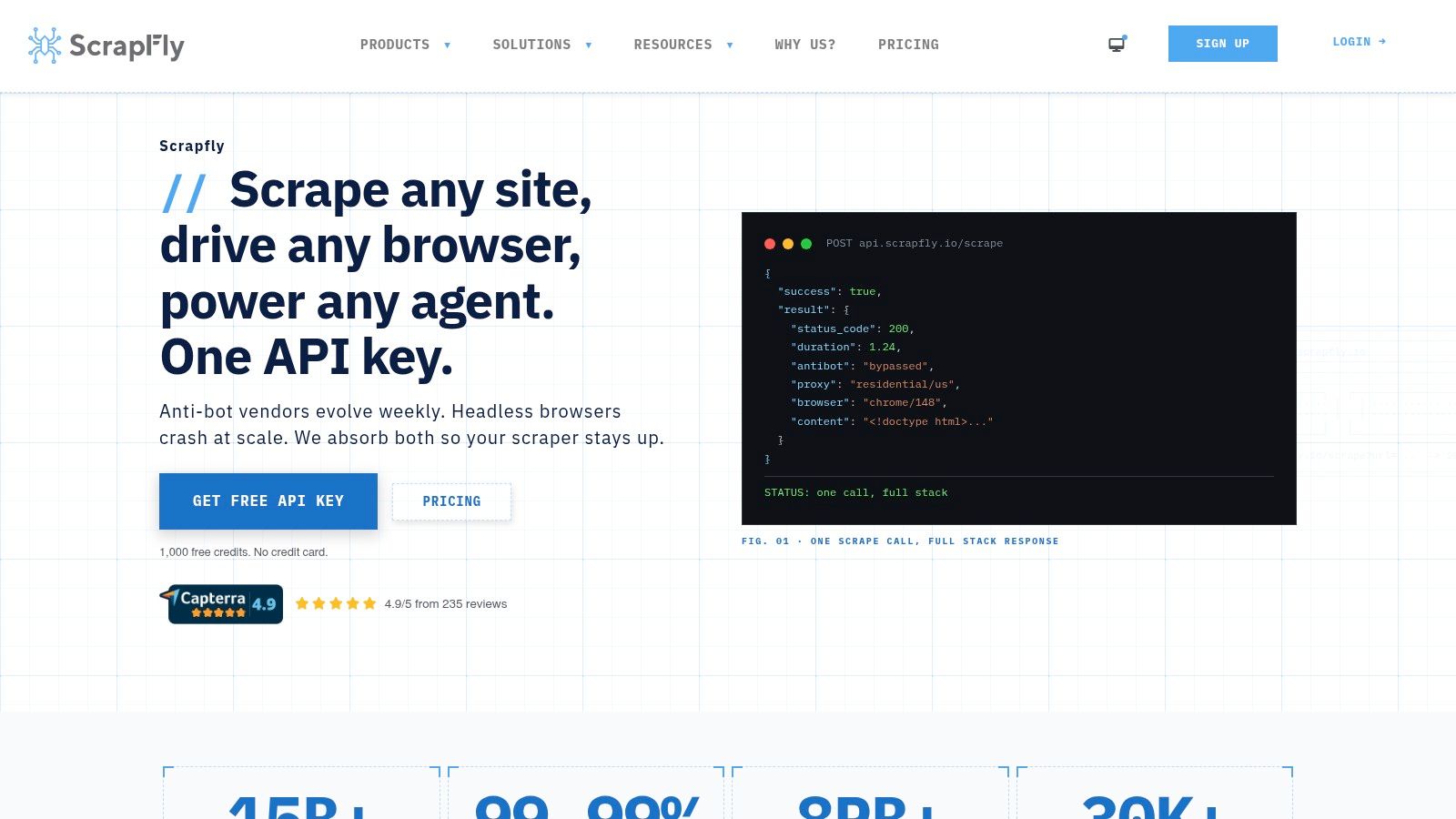
Scrapfly is a good fit for teams that want control over cost and scraping complexity in the same place. The platform emphasizes credit-based billing with per-request pricing that changes according to browser rendering, proxy choice, and anti-bot difficulty, plus separate APIs for screenshots and data extraction. It also provides per-project budgets and spending limits, which is useful when you’re trying to avoid overages while running mixed workloads (Scrapfly).
Why the billing model matters
For teams replacing ScrapingBee, Scrapfly’s value isn’t just that it works. It’s that the pricing controls make it easier to see what’s happening as requests become more complex. That can be a real advantage when you’re testing multiple target types or trying to understand which pages are expensive to retrieve.
The trade-off is that the credit model takes a little more mental work at first. Once your team learns how rendering, proxy type, and anti-bot behavior affect costs, the billing becomes easier to manage. Until then, it can feel less intuitive than a simple flat request model.
A sensible fit for mixed technical teams
Scrapfly works well when developers want one vendor for browser, screenshot, and extraction tooling, but don’t need the largest possible proxy network. It’s more focused than the biggest enterprise stacks and more controllable than a loose DIY setup.
Pros
- Detailed billing controls that help prevent overspend.
- Multiple APIs under one key for developers.
- Useful when request complexity varies across targets.
Cons
- Credit accounting takes time to learn.
- Smaller footprint than the largest enterprise vendors.
Website: Scrapfly
Choosing Your Ideal Scraping Platform
The best choice depends on what’s specifically breaking in your current stack. If your team needs more than raw HTML, especially structured outputs, scheduling, screenshots, or AI-friendly formats, the strongest scrapingbee alternatives are the ones that reduce downstream work rather than just returning a page faster. If your biggest issue is load on protected sites, benchmark-driven enterprise tools like Zyte API, Bright Data, and Oxylabs deserve the first trial. If your pain is developer time and the need to keep a pipeline alive with less hand-tuning, Agenty, Apify, and ScraperAPI are easier places to start.
Migration cost deserves more attention than it usually gets. Many tools look interchangeable until you check whether your parser expects raw HTML, structured JSON, Markdown, or a dataset delivered on a schedule. That’s the primary lock-in risk. It’s also why broader platform reviews increasingly talk about URL crawl depth, monitoring, and webhook delivery rather than just “can it scrape a page.” If you’re replacing ScrapingBee, test the output contract first, then test cost and success rate.
The simplest way to choose is to run your hardest target through two or three candidates and compare the actual output your team receives, not the marketing claim. A tool that looks expensive on paper can still save engineering time if it removes selector maintenance, proxy fiddling, or post-processing work. On the other hand, a cheaper API can become costly once retries, parsing, and maintenance are added back in.
Start with a shortlist that matches your use case. Then validate it in production conditions, with your own targets, your own traffic pattern, and your own downstream schema. If your team also needs to debug deliverability in a different workflow, you can cross-check related operational tooling in this guide to debug email deliverability via API.